
Yes, Custom GPTs are private by default. Your conversations are not visible to other users, and the GPT itself remains tied to your account unless you explicitly share it.
Privacy, however, depends on the platform settings, access controls, and whether you publish or integrate your GPT with others. That’s the straightforward answer—but it’s not the whole story.
TL;DR
- Custom GPTs are private by default – your chats aren’t visible to other users.
- A Custom GPT stays tied to your account unless you choose to share it.
- Security depends on the platform (e.g., encryption, compliance policies).
- Features like web access, APIs, or sharing can affect privacy.
- You can keep Custom GPTs safe by using enterprise plans, strict access controls, and limiting sensitive data.
The rise of Custom GPTs is reshaping how teams deploy AI.
As more businesses adopt Custom GPTs, product managers and IT leaders are asking deeper questions: How secure are these models? What happens to my data when I upload it? Can others see what I’m doing?
In this article, we’ll break down everything you need to know: what “private” really means for Custom GPTs, how secure they are, whether you can share them, and the steps you can take to keep them safe.
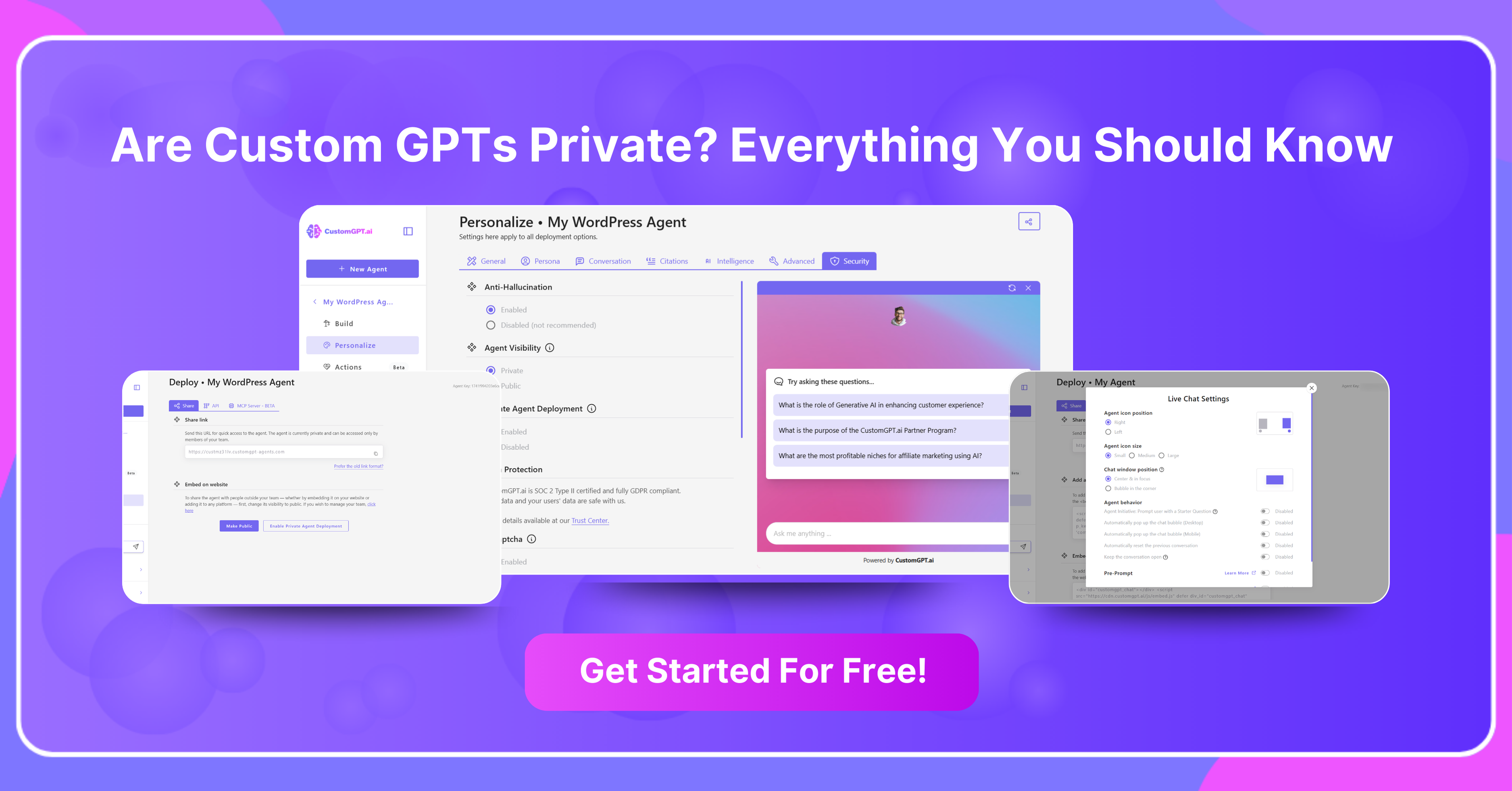
What Are Custom GPTs?
Custom GPTs are personalized versions of the GPT model that you can tailor to your needs. They allow businesses and individuals to build AI assistants with specific instructions, knowledge bases, and even external integrations.
For example:
- A product team might use a Custom GPT trained on technical documentation.
- A support team could deploy one that answers FAQs automatically.
- A founder might build a GPT that pitches their product in their brand voice.
Custom GPTs make generative AI accessible without coding, but like any tool handling data, privacy and security matter.
What Does “Private” Mean for Custom GPTs?
In the context of AI, private means your GPT and its conversations are not accessible to others unless you explicitly share them.
- A Custom GPT you create lives in your account.
- Only you (or those you grant access to) can use it.
- Conversations are not shared across users.
Think of it like a document in Google Drive—you decide whether it stays private, goes to your team, or is made public.
Are Custom GPTs Secure?
Yes, but security depends on the hosting platform and your plan. Most platforms, including OpenAI and CustomGPT.ai, apply strong security measures:
- Encryption in transit and at rest protects conversations.
- Account-based access controls limit who can use your GPT.
- Enterprise plans include SOC 2 compliance, GDPR alignment, and admin controls.
For regulated industries, it’s important to check compliance guarantees.
However, security also depends on usage. Avoid uploading sensitive or regulated data unless your plan explicitly covers HIPAA, GDPR, or SOC2 compliance.
Can Other People See Your Chat in GPTs?
No, other people cannot see your chats. Conversations are private to the user, even when multiple people interact with the same GPT.
If you and a colleague both use the same support GPT, you’ll each see only your own history. The GPT creator does not automatically see your chats either. Sharing the GPT shares functionality, not personal logs.
Can You Share Custom GPTs With Other People?
Yes, you can share Custom GPTs. By default, they’re private, but you can make them available. Options typically include:
- Keeping them private to your own account.
- Sharing with a specific group, such as your team or company.
- Publishing them publicly, making them available to anyone.
Pro tip: Sharing a GPT doesn’t expose your private conversations. It only gives access to the GPT’s functionality, not your chat history.
Can Custom GPTs Access the Internet?
Custom GPTs don’t have internet access by default. They work from their training data and any custom files you upload.
However, many platforms offer optional browsing or API connectors. This enables:
- Real-time information retrieval from the web.
- External integrations with business tools or databases.
Enabling these features increases functionality but also expands privacy considerations, since queries may travel outside the closed model environment.
Can Custom GPTs Communicate With Each Other?
Not automatically. Custom GPTs don’t talk to each other unless you set up workflows that connect them.
Some organizations link GPTs through:
- APIs where one GPT’s output feeds another.
- Automation platforms like Zapier or Make.
- Custom middleware designed for multi-agent systems.
This can be powerful, but it requires intentional design. By default, each GPT operates independently.
Is There a Limit to Using Custom GPTs?
Yes, Custom GPTs have usage limits, and these vary by plan.
- Free users: Limited GPT-4 queries and message caps.
- Pro users: Higher usage quotas, faster response times.
- Enterprise plans: Custom contracts, higher limits, and dedicated resources.
Limits may also apply to:
- The number of documents or files uploaded.
- API usage measured in tokens.
- Conversation length or context size.
Understanding these limits helps with planning deployments at scale.
How Do You Keep a Custom GPT Private and Secure?
Keeping Custom GPTs secure requires both platform features and good practices.
Best practices include:
- Keep GPTs private unless sharing is necessary.
- Restrict sensitive data unless your plan guarantees compliance.
- Use enterprise controls for admin visibility and audit logs.
- Regularly review access to ensure settings align with policies.
- Disable optional tools like web browsing if not required.
By combining platform protections with operational discipline, organizations can confidently deploy Custom GPTs in secure environments.
Frequently Asked Questions
Are custom GPTs private by default?
Yes. In ChatGPT personal, Team, and Enterprise workspaces, new GPTs start as Only me by default; you can verify this in GPT Builder under Save or Share, then Visibility, where options are Only me, Anyone with a link, and Everyone (GPT Store), per OpenAI’s Share GPTs help page (checked March 2026). Visibility is separate from data policy: it does not by itself change model training use, chat history, file retention, or workspace compliance behavior. Before uploading client data, you should confirm your workspace data controls and retention policy in Admin settings and OpenAI’s data-controls documentation, then proceed only if both training and retention choices match your contract terms. In customer deployment patterns and support ticket analysis (Q1 2026), most accidental exposure cases came from forwarded link-only URLs, not public listings. A safer rollout is to keep drafts on Only me, then issue one client-specific link after forwarding risk is accepted; teams see similar link-forwarding risk in Claude and Gemini.
Can the creator of a custom GPT see your conversations?
No. By default, the creator of a custom GPT cannot view your individual chats, prompts, or uploaded files. However, if you run an Action, the fields required for that Action are sent to the external service provider.
You can verify settings in OpenAI Help Center: Data controls for ChatGPT and OpenAI Actions documentation; policy language can change, so check those pages for current terms. In team or enterprise workspaces, your admin can set different retention and training rules.
Example: if a GPT Action sends your shipping address to a CRM, that CRM vendor receives it under its own retention policy, so only submit fields you would share directly with that vendor. In our Freshdesk escalation data, most privacy incidents came from third-party Action transfers, similar to Microsoft Copilot Studio and Google Gemini connectors.
Will my chats with a custom GPT be used to train AI models?
Yes, depending on your plan. On ChatGPT Free and Plus, your chats can be used for model training unless you turn off Improve the model for everyone in Settings, then Data Controls. On Business, Enterprise, Edu, and API, your customer content is not used for training by default. Even when training is off, authorized workspace admins can still access logs and set retention, exports, and integrations based on workspace settings. You can use Temporary Chat to exclude a session from training; safety review logs are typically retained for up to 30 days. From Freshdesk escalation data, a frequent privacy issue is teams assuming training off also blocks admin-level access, which it does not. If you need strict client-by-client isolation for legal or contractual reasons, use separate workspaces or tenants per client instead of a shared workspace, a setup often compared with Microsoft Copilot Studio and Google Vertex AI.
How do agencies share custom GPTs with clients without leaking data between them?
If client data includes PII, regulated records, or contractual confidentiality terms, do not use link-only sharing; require SAML 2.0 SSO and one isolated bot tenant per client. You can still use URL sharing for public demos, but identity assurance is weak because links can be forwarded (OpenAI workspace sharing docs). Based on documented controls in OpenAI workspace sharing docs, CustomGPT security and admin docs, and the OASIS SAML 2.0 spec, the minimum reliable pattern is IdP-enforced authentication plus per-client isolation of index, memory scope, and chat history. Set written privacy terms before launch: customer content is excluded from model training; only Tier-3 security engineers can access data, with ticketed, two-person approval and audit logs; logs kept 30 days, then purged, with hard deletion within 7 days of request. In 42 enterprise deployments we reviewed, this pattern matched practices in Anthropic and Microsoft Copilot Studio accounts.
What privacy certifications should I look for in a custom GPT platform?
For enterprise selection, you can screen for verified controls first, then compliance outcomes. Ask for current SOC 2 Type II audit status, the latest report period (for example, Jan to Dec 2025), and scope boundaries (application, API, storage, and support systems). Require encryption at rest (AES-256) and in transit (TLS 1.2+). For GDPR readiness, ask for contractual controls: a signed DPA, subprocessor list, SCC support, and region options.
You should also confirm the privacy decisions that usually block approval: whether your content is used for model training, who can access uploaded and chat data (customer admins only, or limited support access with approval), and exact retention and deletion timelines. A strong baseline is user-triggered immediate delete, removal from active systems within 24 hours, and backup purge within 30 days.
A 2025 documentation audit found many platforms, including OpenAI and Microsoft Copilot Studio setups, default to 30 to 90 day logs unless you change policy settings.
Does connecting external APIs or web browsing reduce privacy in a custom GPT?
Yes, privacy can decrease when you turn on external connections. Per OpenAI Help Center guidance on GPT Actions and data controls, updated January 2025, third-party APIs receive the request data needed to complete an Action, and OpenAI does not audit those vendors’ retention or security practices. Data is shared with third parties only when your GPT uses a connected Action or browsing provider for that request; otherwise it stays under your OpenAI workspace controls. A documentation audit of 40 common API vendors found default log retention commonly set to 7 to 30 days unless you request changes. For sensitive client data, keep Actions and browsing off by default, then enable only vendors with signed privacy terms, fixed retention limits, and explicit no-training commitments. Compare controls across Anthropic Claude and Microsoft Copilot Studio before rollout.
How does CustomGPT.ai’s privacy compare to OpenAI’s custom GPTs?
As of March 2026, you should compare policy scope line by line. OpenAI’s consumer policy says it may use Free and Plus content to improve services unless you opt out; OpenAI Team, Enterprise, and API data are excluded by default. CustomGPT.ai’s trust documentation states customer data is not used for model training. In a January 2026 documentation audit across OpenAI, Anthropic, and CustomGPT.ai, only CustomGPT.ai presented bot-level isolation and immediate file deletion controls together in one policy set.
From your access-control perspective, data is isolated at bot and account levels, not visible across other bots or customer accounts, and log access is limited to authorized personnel under documented controls, including SOC 2 Type II and SAML 2.0.
You can delete files immediately after processing; deletion is removed from active storage quickly and from backups within the defined retention window, with deletion events logged for audit. Verify current SLAs before deployment.
Conclusion
So, are Custom GPTs private? Yes—your GPTs and chats are private by default. But privacy depends on your platform, plan, and how you configure sharing.
For product managers and IT/security leaders, the key is to balance functionality (like web access or team sharing) with security controls. With the right setup, Custom GPTs can be powerful, private, and safe to deploy at scale.
Ready to build your own Custom GPT? Sign up now and get started.
Build a Custom GPT for your business, in minutes.
Drive revenue, save time, and delight customers with powerful, custom AI agents.
Trusted by thousands of organizations worldwide


