CustomGPT.ai vs Botpress
Let’s explore Botpress and CustomGPT.ai, beyond a simple a feature comparison. We’ll cover how each product is designed and what it optimizes for. Both play in the RAG (Retrieval-Augmented Generation) ecosystem, but they’re built for different workflows, team capabilities, and organizational priorities.
Quick decision guide
Choose CustomGPT.ai
If you value industry-leading accuracy with 97% benchmark score
Choose Botpress
If you value visual drag-and-drop builder with extensive code extensibility via execute code cards
About CustomGPT.ai
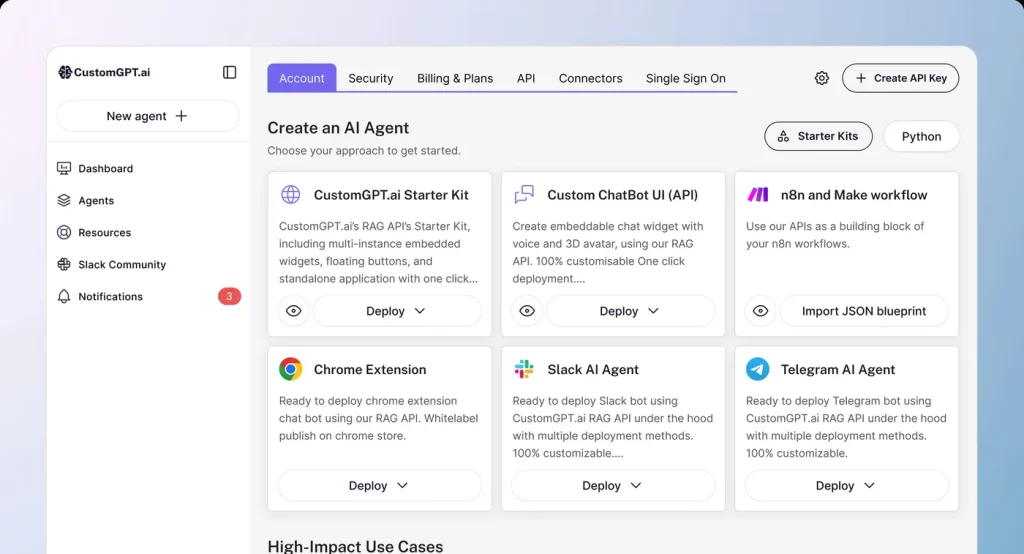
CustomGPT.ai is a business-focused RAG-as-a-service API built for high accuracy. Benchmarked the most accurate RAG platform , CustomGPT.ai helps organizations launch AI assistants grounded in their own data—reducing hallucinations while supporting smooth, flexible integrations. Founded in 2023 and headquartered in Needham, Massachusetts (USA), CustomGPT.ai has earned a reputation as a dependable solution in the RAG space.
94/100
Overall Rating
$99/mo
Starting Price
About Botpress
Botpress is enterprise ai agent platform with visual bot building and omnichannel deployment. Enterprise AI agent platform with visual bot building, omnichannel deployment, and RAG capabilities. 750,000+ active bots processing 1 billion+ messages with extensive channel support and no-code/low-code development. Founded in 2016, headquartered in Montreal, Quebec, Canada, the platform has established itself as a reliable solution in the RAG space.
85/100
Overall Rating
Custom
Starting Price
Key Differences at a Glance
In terms of user ratings, CustomGPT.ai in overall satisfaction. From a cost perspective, Botpress starts at a lower price point. The platforms also differ in their primary focus: Chatbot Platform versus AI Chatbot. These differences make each platform better suited for specific use cases and organizational requirements.
What This Comparison Covers
We’ll analyze features, pricing, performance benchmarks, security compliance, integration capabilities, and real-world use cases to help you determine which platform best fits your organization’s needs. All data is independently verified from official documentation and third-party review platforms.
Detailed Feature Comparison
| Features | CustomGPT.ai | Botpress |
|---|---|---|
| Data Ingestion & Knowledge Sources |
|
|
| Integrations & Channels |
|
|
| Core Agent Features |
|
|
| Customization & Branding |
|
|
| LLM Model Options |
|
|
| Developer Experience (API & SDKs) |
|
|
| Performance & Accuracy |
|
|
| Pricing & Scalability |
|
|
| Security & Privacy |
|
|
| Observability & Monitoring |
|
|
| Support & Ecosystem |
|
|
| No-Code Interface & Usability |
|
|
| RAG Capabilities |
|
|
| RAG-as-a-Service Assessment |
|
|
| Use Cases |
|
|
| Competitive Positioning |
|
|
| Limitations & Considerations |
|
|
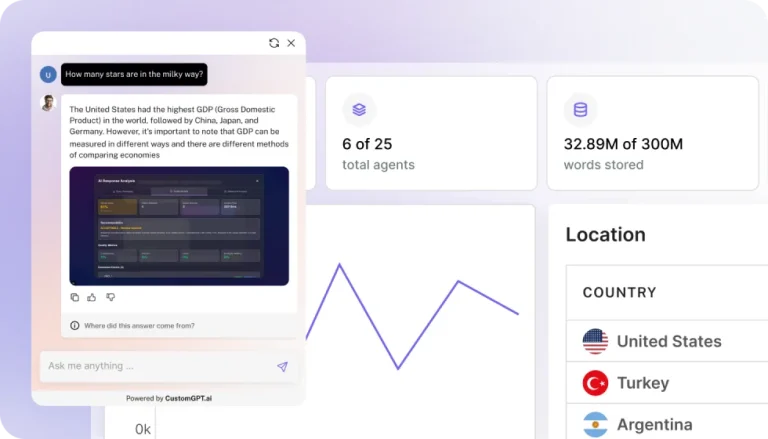
Launch fully-integrated custom AI agents
Increase efficiency, drive revenue, and delight customers with instant answers from your information
Final Verdict: Botpress vs CustomGPT.ai
After analyzing features, pricing, performance, and user feedback, both Botpress and CustomGPT.ai are capable platforms that serve different market segments and use cases effectively.
When to choose CustomGPT.ai
- You value industry-leading accuracy with 97% benchmark score
- Patented technology to reduce hallucinations
- Easy no-code setup with powerful customization
Best For
Industry-leading accuracy with 97% benchmark score
When to choose Botpress
- You value visual drag-and-drop builder with extensive code extensibility via execute code cards
- Massive scale validation: 750,000+ active bots, 1 billion+ messages processed
- Comprehensive omnichannel support: WhatsApp, Slack, Teams, Telegram, Messenger, SMS, web
Best For
Visual drag-and-drop builder with extensive code extensibility via Execute Code cards
Migration & Switching Considerations
Switching between Botpress and CustomGPT.ai requires careful planning. Consider data export capabilities, API compatibility, and integration complexity. Both platforms offer migration support, but expect 2-4 weeks for complete transition including testing and team training.
Pricing Comparison Summary
Botpress starts at custom pricing, while CustomGPT.ai begins at $99/month. Total cost of ownership should factor in implementation time, training requirements, API usage fees, and ongoing support. Enterprise deployments typically see annual costs ranging from $10,000 to $500,000+ depending on scale and requirements.
Our Recommendation Process
- Start with a free trial Both platforms offer trial periods to test with your actual data
- Define success metrics Response accuracy, latency, user satisfaction, and cost per query
- Test with real use cases Avoid generic demos; use your production data
- Evaluate total cost Factor in implementation time, training, and ongoing maintenance
- Check vendor stability Review roadmap transparency, update frequency, and support quality
For most organizations, the decision between Botpress and CustomGPT.ai comes down to specific requirements rather than overall superiority. Evaluate both platforms with your actual data during trial periods, focusing on accuracy, latency, ease of integration, and total cost of ownership.
Next steps
Ready to make your decision? We recommend starting with a hands-on evaluation of both platforms using your specific use case and data.
Use cases
Here's how teams like yours are leveraging CustomGPT.ai
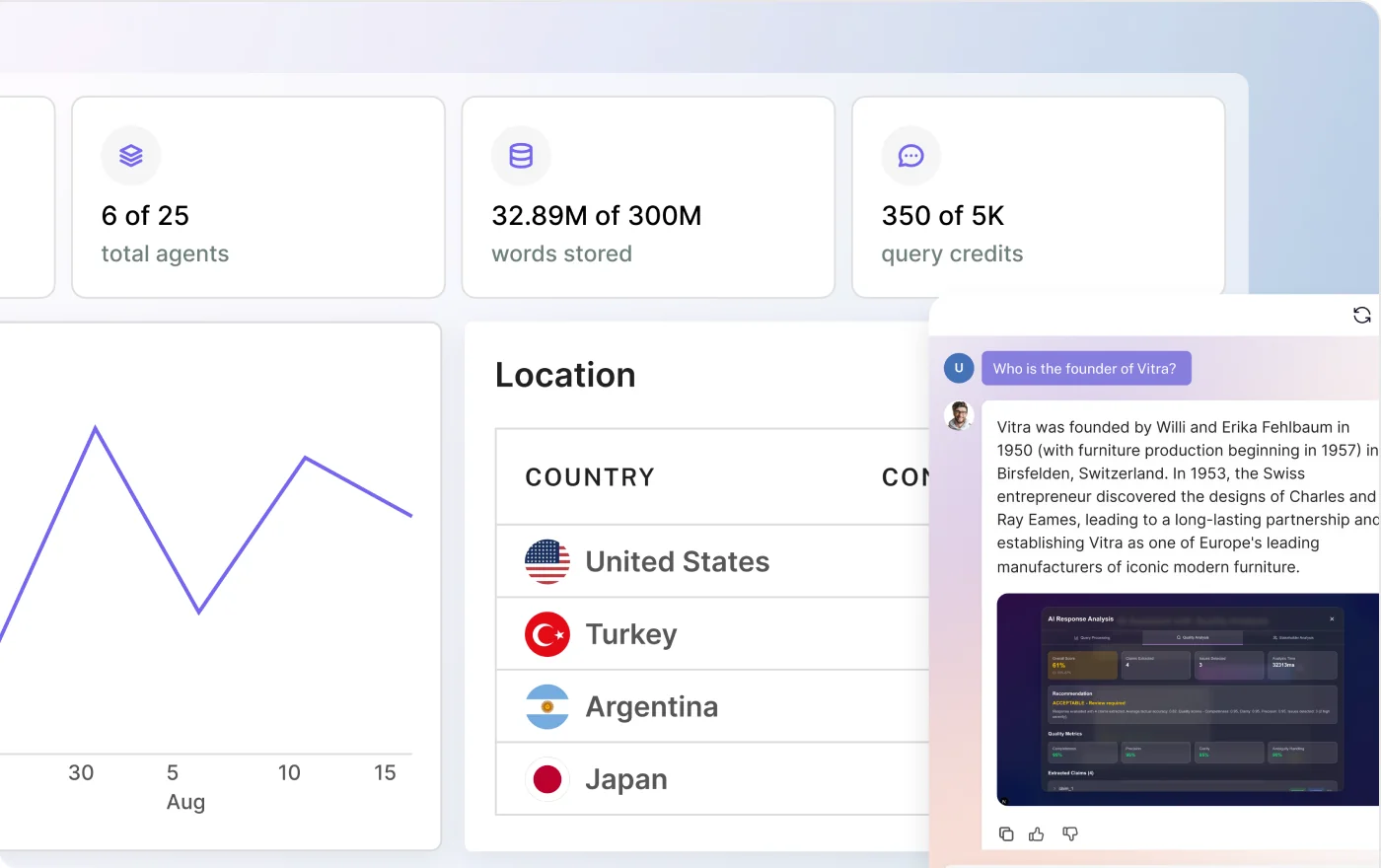
Automate and resolve 93%+ of customer inquiries, instantly
Reduce ticket volume and support costs with AI agents that instantly resolve inquiries—freeing your team to focus on high-value tasks
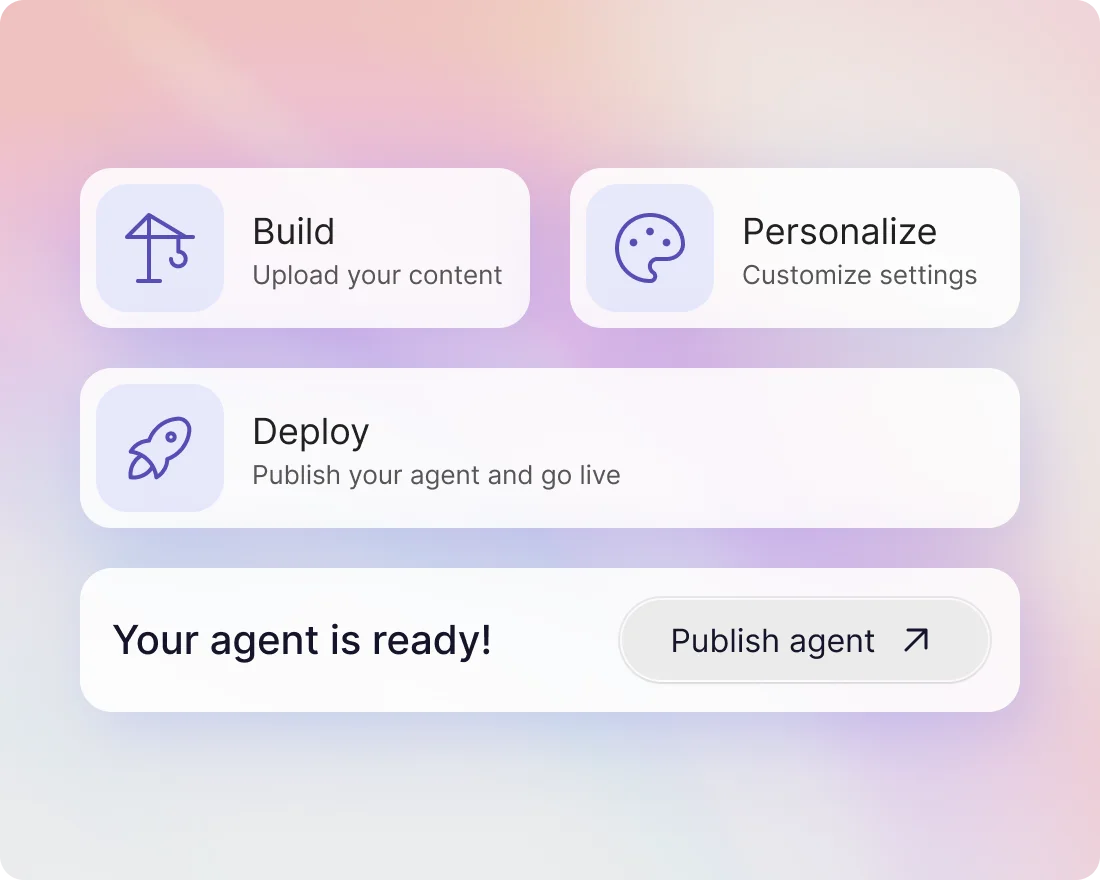
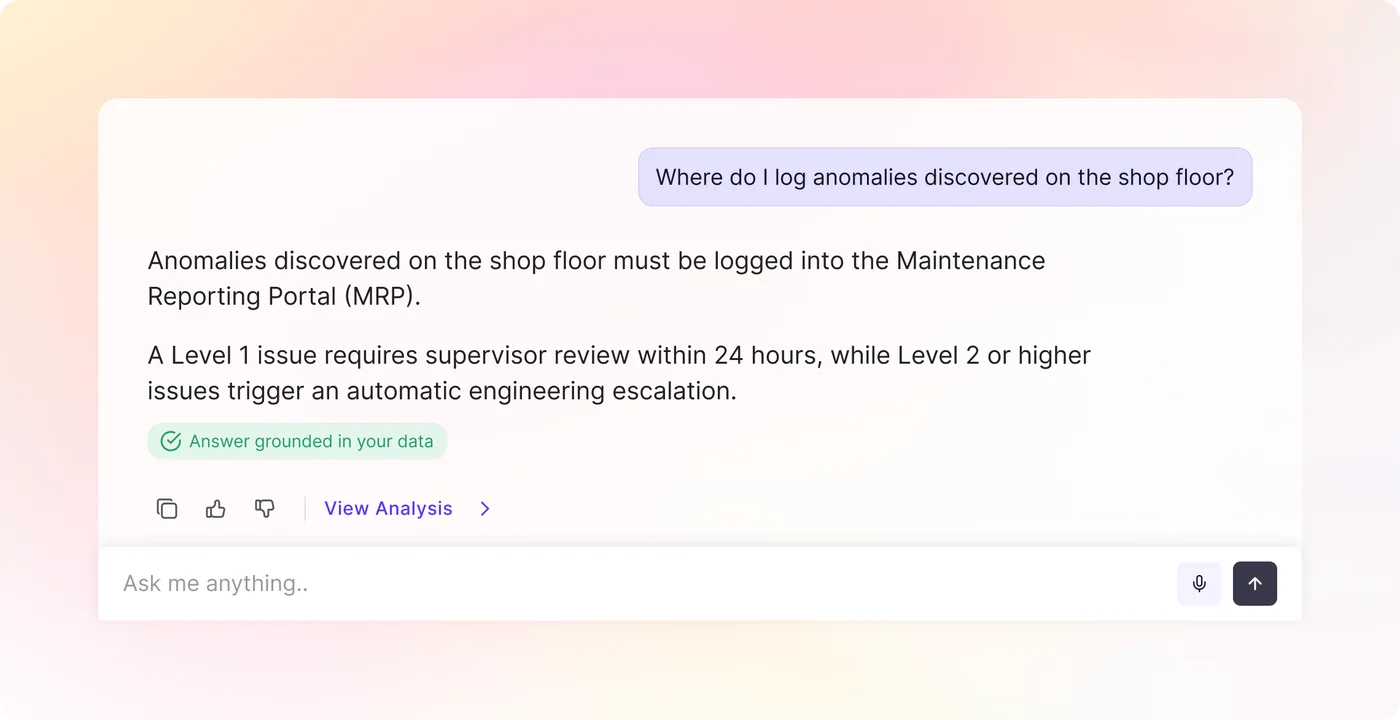
Answer every new-starter question on day one
Turn handbooks, policies and recorded sessions into an agent that answers new joiners directly, in their own words, from your own material.
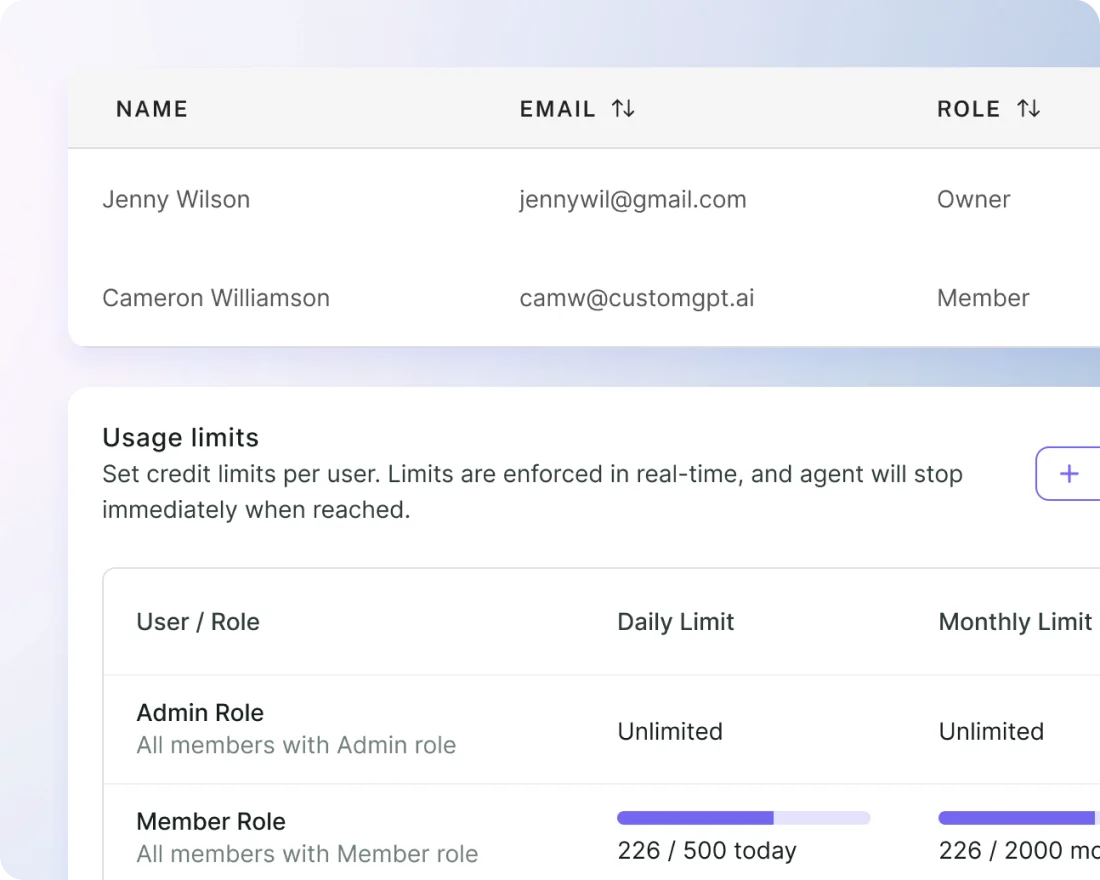
Work faster with instant, accurate information
Give team members exactly the right information — no more, no less — with use-specific assistants and role-based access across everything you have already written down.
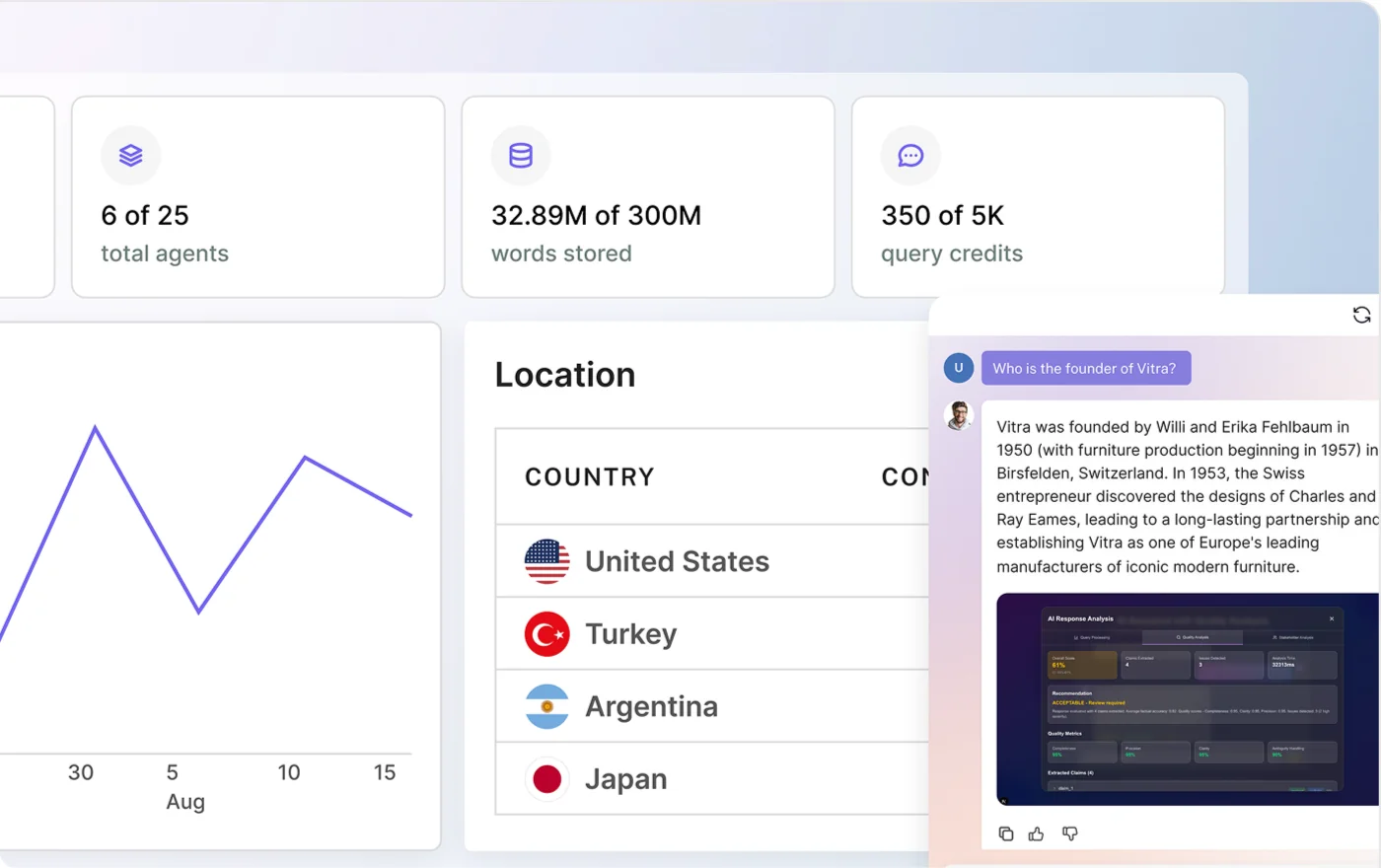
Ask your own library the question
Point an agent at 1,400+ supported file types and dozens of integrations, and get answers that come only from your approved sources, each one linked back to where it came from.
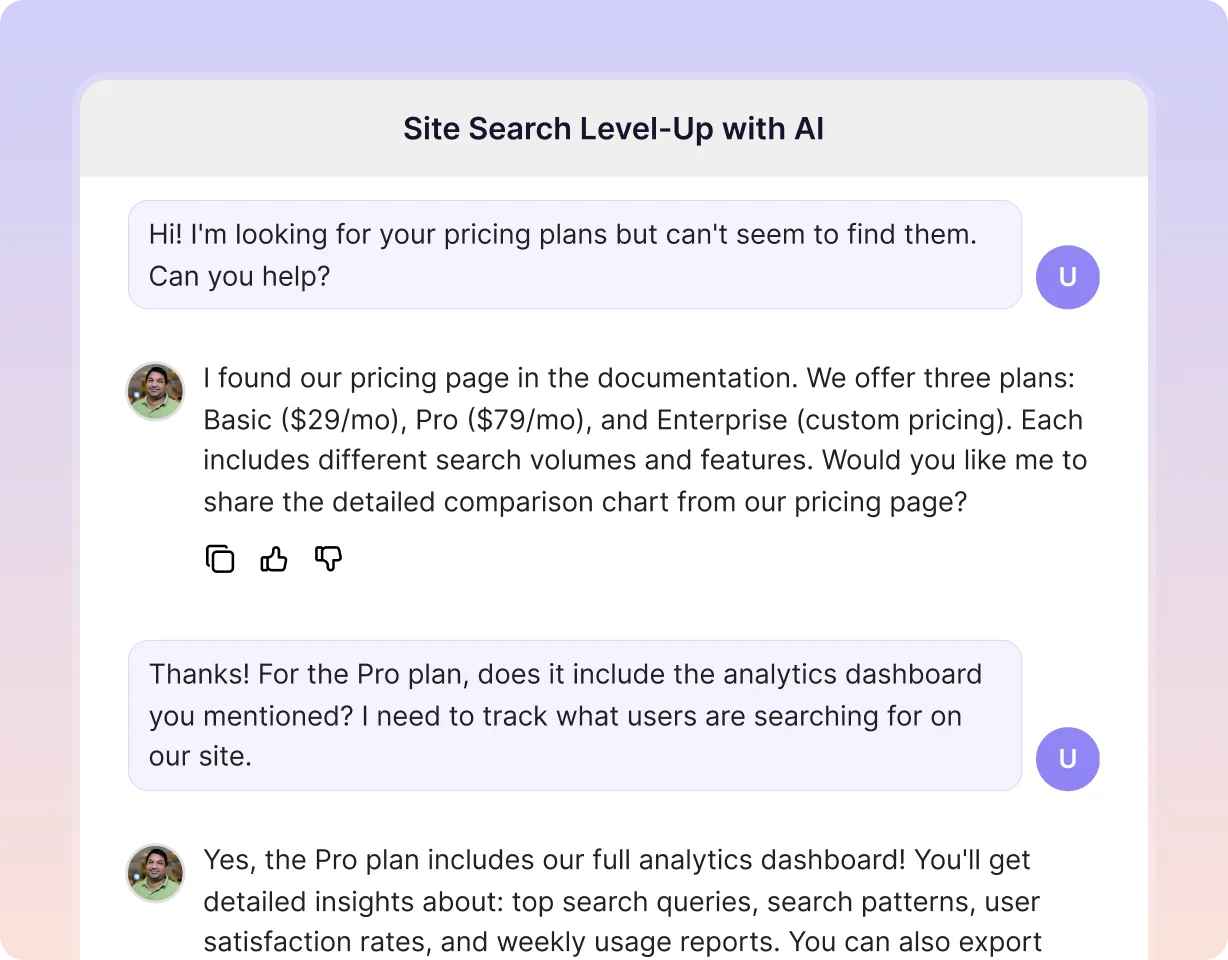
See what your visitors are actually asking
Every conversation is a record of what people came looking for. Read the questions your site is being asked and what it managed to answer.
Keep your team current on the market
Collect the reports, transcripts and pages your team relies on into one agent, so a market question gets a sourced answer instead of a search.
Frequently Asked Questions
Does Botpress being open source automatically make it the safer long-term choice?
No. Open source does not automatically make Botpress the safer long-term choice. It is usually safer only if your team already owns patching, backups, model migration, observability, and incident response for the next 24 to 36 months.nnSource-code access helps with portability, but uptime and reliability still depend on service ownership. Verizon's 2024 Data Breach Investigations Report found vulnerability exploitation accounted for 14 percent of breach entry paths, up sharply year over year, which is a reminder that unowned patch cycles create real risk. Without an internal owner, self-hosting often increases operational risk rather than reducing vendor risk.nnFor teams comparing Botpress, Dialogflow CX, or a managed option like CustomGPT.ai, the real question is whether you want to own maintenance and integration drift. BernCo reported 4.81x ROI with a managed AI rollout, showing how lower operating overhead and faster production can matter more than license model alone.
Which platform is better for a small support team that needs to scale?
For most small support teams, a no-code platform is the better way to scale. If you have fewer than 10 support reps or no dedicated systems admin, no-code usually wins because content updates, fallback tuning, and workflow upkeep stay with support instead of engineering.nnIf you're comparing CustomGPT.ai with building on the API yourself, choose no-code when the same support manager who owns macros and help-center content also needs to own bot updates without waiting on an engineering backlog. Pick Botpress or Intercom only when you already have technical staff and expect API-heavy workflows, strict business rules, or deep CRM actions. That tradeoff matters because even one Salesforce or HubSpot field or permission change can break an automated action until it is remapped and retested. BQE Software reported an 86 percent AI resolution rate after launch, showing that for small teams, faster deployment and lower maintenance can beat the added flexibility of custom API builds.
Which platform is better if you need deeper chatbot customization?
Botpress is better for deeper chatbot customization. Choose Botpress if you need custom business logic, API authentication, or multi-step workflows; choose CustomGPT.ai if you want a branded support or AI search bot live quickly with minimal engineering.nnThe deciding factor is ownership of the logic layer. Botpress docs show workflow, conversation, user, and bot variables, custom JavaScript actions, authenticated API calls with JWT or HMAC, and rule-based branching or human handoff. That puts it closer to Rasa or Dialogflow CX. It is also the better fit for teams weighing packaged software against building on an LLM API directly, because developers control orchestration instead of mainly wrapping retrieval around a knowledge base. If your goal is fast support deployment rather than custom orchestration, BQE Software reports 86% AI resolution with its AI assistant.
Which platform is better for agencies building branded chatbots for clients?
Choose CustomGPT.ai when account managers or client success teams need to launch, rebrand, and update bots themselves after handoff; choose Botpress when your agency’s engineers need custom actions, deeper integrations, channel orchestration, or self-hosting.nnAgencies ask the same thing when comparing Botpress, Voiceflow, and the OpenAI API: faster white-labeled delivery versus deeper architectural control. If your retainer depends on non-technical clients updating FAQs, files, and branding without dev tickets, the white-label route is usually safer. If each client needs bespoke workflows tied to CRMs, databases, or internal systems, Botpress is usually better, even with heavier setup. OpenAI’s API still gives you models, not a native multi-tenant white-label client admin layer, so agencies usually build tenant isolation and permissions themselves. Overture Partners cut training time from 13 weeks to 2 weeks, which matters for repeatable client handoff.
Which platform has stronger integration options for business tools?
CustomGPT.ai has the stronger out-of-the-box integration options for business tools. It fits teams that want fast deployment rather than building most connections in-house.nnIts documentation lists websites, files, audio, video, 1,400+ Zapier-connected apps, and an OpenAI-compatible /v1/chat/completions endpoint, which also means many existing OpenAI SDKs can often work with only a base-URL change. Botpress, and to a lesser extent Voiceflow, support integrations too, but the practical advantage is different: modular developer tooling, custom actions, and more control when your team plans to write and maintain the logic itself. Choose it if you want prebuilt no-code integrations plus API compatibility; choose Botpress if customization flexibility matters more than ready-made business-tool coverage. At Ontop, response time dropped from 20 minutes to 20 seconds, showing why faster deployment can matter.
How do CustomGPT.ai and Botpress differ for answering questions from a company knowledge base?
For company knowledge-base Q&A, pick a document-grounded answer engine for fast, cited answers; pick Botpress when you need workflow logic, API actions, and handoffs. In practice, CustomGPT.ai is built for answering questions from PDFs, help-center articles, and internal docs with minimal setup, while Botpress is built more for multi-step conversational workflows and integrations.nnIf your team is deciding between a ready-made knowledge-base answer engine and building a more customizable bot stack, the first fits CustomGPT.ai and the second fits Botpress. Botpress is closer to tools like Voiceflow or Dialogflow CX: stronger for branching flows, approvals, and actions across systems, but usually more dependent on design and testing for answer quality. A concrete buying rule: choose the document-Q&A route when source citations and fast launch matter most; choose Botpress when process automation matters more. In MIT's published case study, its assistant served users in 90+ languages, and MIT reported zero hallucinations in that deployment.
Which platform is easier for a non-technical team to launch, CustomGPT.ai or Botpress?
For a non-technical team, CustomGPT.ai is usually easier to launch. If your priority is speed, no-code setup, and minimal developer involvement, it is the better fit; Botpress is better when custom workflows, deeper logic, and developer control matter more.nnThe main difference is launch friction. With the no-code option, a team can upload documents or URLs, set behavior in a visual interface, and publish without building conversation flows, managing variables, or writing code. Botpress can support much more custom logic, but teams usually need to map paths, configure integrations and permissions, and test nodes, fallbacks, and handoffs before it feels production-ready. Teams comparing the two often choose the easier-launch option when they want to avoid technical setup and go live fast, while accepting that Botpress offers more flexibility. That lower training burden shows up in practice: Overture Partners reduced AI training time from 13 weeks to 2 weeks.