CustomGPT.ai vs Microsoft Copilot: Which AI Should Answer Your Members?
Most associations already pay for Microsoft 365, so Microsoft Copilot looks like the obvious AI choice. For staff working in Word, Outlook, Teams and SharePoint, it often is. Members are a different job. Microsoft's licensing guide covers employee-facing use in the Microsoft 365 Copilot license. A public agent for members is built in Copilot Studio and billed in Copilot Credits. CustomGPT.ai is one platform that serves members and staff from the same approved content, on plans from $99 a month.
Quick decision guide
Choose CustomGPT.ai
you want a member-facing assistant on your website or portal that answers from your documents, SharePoint and website, with citations.
Choose Microsoft Copilot
the goal is staff productivity inside Word, Outlook, Teams and SharePoint, and your team already works in Microsoft 365.
About CustomGPT.ai
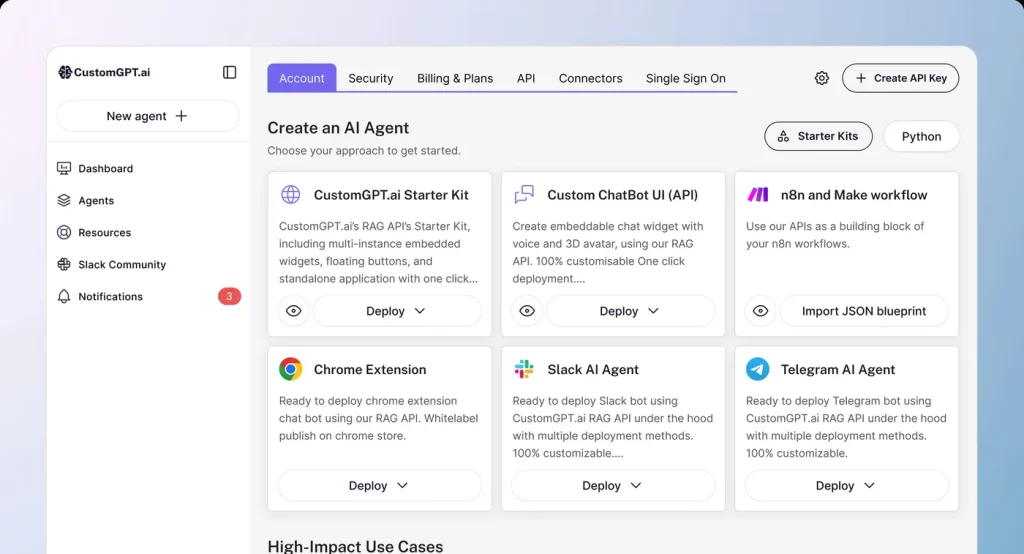
CustomGPT.ai lets organizations build AI agents trained on their own content. It is based in Needham, Massachusetts. Its agents learn from 1,400+ document formats, website crawling, and connectors for SharePoint, Google Drive, OneDrive, Confluence and Notion, and they support 92 languages. The SharePoint connector is on Premium and Enterprise. It also connects to other platforms through a hosted MCP server and an API. CustomGPT.ai holds SOC 2 Type 2 and is GDPR compliant.
$99/mo
Starting Price
About Microsoft Copilot
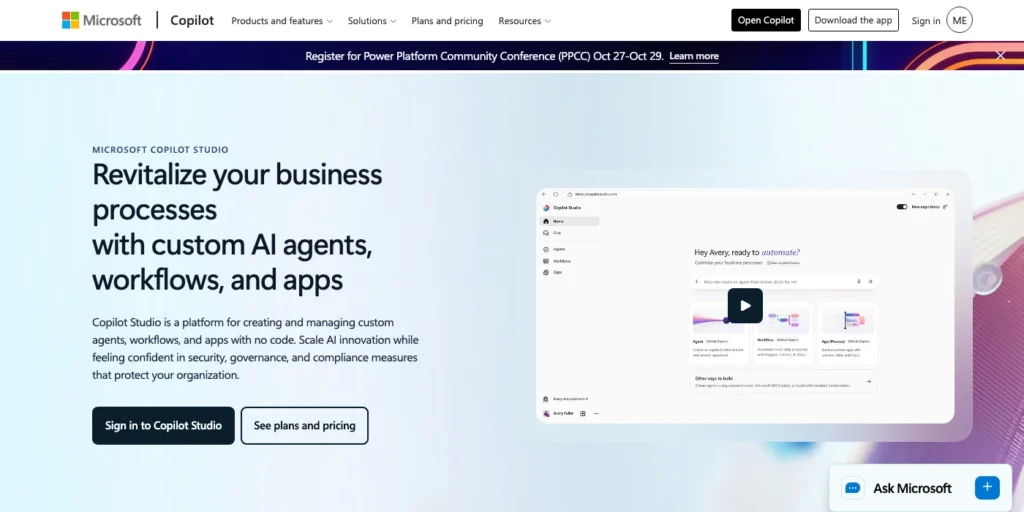
Microsoft Copilot (formerly Microsoft 365 Copilot) is Microsoft's AI assistant for staff inside its Office apps. Copilot Studio is Microsoft's tool for building agents that can be published to Teams, SharePoint, WhatsApp, Facebook or a website. Copilot Chat, a web-grounded assistant, is included at no additional cost with eligible Microsoft 365 plans.
$30/user/mo
Starting Price
Key Differences at a Glance
Microsoft Copilot is built for your staff's Microsoft logins. If you want to answer members, four differences matter.
- Two products for two jobs: Microsoft's licensing guide says employee-facing use of Copilot Studio agents is included in the Microsoft 365 Copilot license when the user holds it, and the agent runs as that user. Usage outside that scope is billed in credits. CustomGPT.ai uses one plan for members and staff.
- Members and SharePoint: Microsoft says an agent with no sign-in can only access public information and resources. SharePoint and connector content uses the signed-in user's Microsoft Entra ID. Separately, Microsoft supports other OAuth 2.0 sign-in for agents. CustomGPT.ai connects to SharePoint on Premium and Enterprise and answers members on your website from that content, and sign-in is optional.
- How you are charged: Microsoft charges per user for the Copilot license and per credit for agents: a generative answer uses 2 credits and an agent action uses 5. CustomGPT.ai plans have a set monthly price with monthly limits on queries and stored words.
- What it can learn from: Microsoft says you cannot upload image, video, executable or audio files to Copilot Studio as knowledge. CustomGPT.ai accepts audio uploads, including podcast episodes as MP3, M4A or WAV files, and learns from 1,400+ document formats.
What this comparison covers
Every Microsoft fact on this page comes from Microsoft's public website and documentation, checked on 28 October 2026. Microsoft has renamed Microsoft 365 Copilot to Microsoft Copilot, so this page uses both names. Where Microsoft's pages say nothing on a point, the table says so. Confirm prices and plan names on each vendor's pages before you decide.
Detailed Feature Comparison
| Features | CustomGPT.ai | Microsoft Copilot |
|---|---|---|
| Built for |
|
|
| What it answers from |
|
|
| Member access |
|
|
| Citations and answer control |
|
|
| Where it runs |
|
|
| Languages |
|
|
| Security and compliance |
|
|
| Pricing model |
|
|
| Setup |
|
|
| Analytics |
|
|
| Nonprofit terms |
|
|
| Published results |
|
|
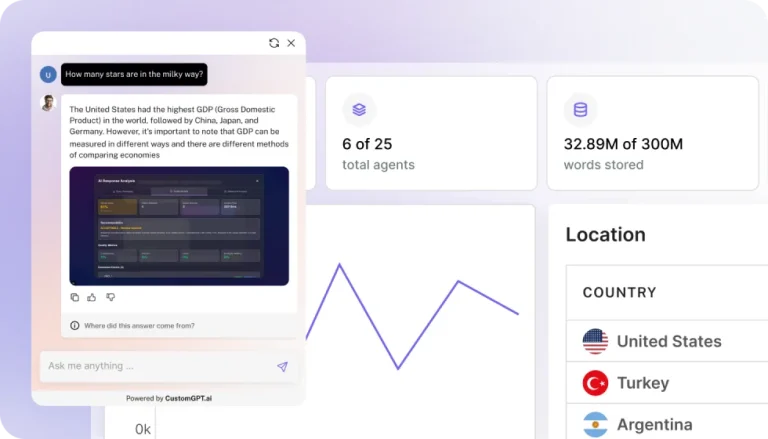
Launch fully-integrated custom AI agents
Increase efficiency, drive revenue, and delight customers with instant answers from your information
Final Verdict: Microsoft Copilot vs CustomGPT.ai
Microsoft Copilot is a strong fit for staff who live in Microsoft 365. CustomGPT.ai fits when members need cited answers from your documents. If you already use Microsoft 365, this is not either-or: staff can use Microsoft Copilot in Office while CustomGPT.ai answers members from the same SharePoint library. CustomGPT.ai is independent of Microsoft. It connects to SharePoint as a content source and does not replace Microsoft 365.
When to choose CustomGPT.ai
- You want members to get cited answers from your SharePoint (Premium and above) and document library on your website, with sign-in optional.
- You want a set monthly price with monthly query limits (1,000 on Standard, 5,000 on Premium), not per-user licenses plus a credit formula.
- You want to add audio and recordings as knowledge.
- You want the assistant on a WordPress or other CMS site using a plugin or embed code.
When to choose Microsoft Copilot
- Your priority is staff productivity in Word, Outlook, Teams and SharePoint.
- You want Teams, WhatsApp or Facebook channels out of the box.
- Your members will sign in with Microsoft accounts or an OAuth 2.0 identity provider you manage.
- Your agent volume is low enough that a credit pack covers it.
Migration & Switching Considerations
If you are choosing a first assistant, decide who it is for. Staff drafting documents and summarizing meetings is Microsoft Copilot's job. Members asking questions on your website is the job to test. If you already built a Copilot Studio agent for members, run the same 20 questions on both before you move anything. Whichever you choose, test on the questions your members ask most.
Pricing Comparison Summary
Microsoft Copilot is priced per user for staff and per credit for agents. Microsoft's own billing page says a generative answer uses 2 credits and an agent action 5, and credits are pooled across the tenant. CustomGPT.ai's plans and prices are in the table above. Compare the same scope: how many staff need a license, how many member questions you expect, and what content you need to load.
Our Recommendation Process
- Write 20 questions your members really ask. Include at least 10 that are answered only in a SharePoint document, a PDF or a recording.
- Run them on CustomGPT.ai's free trial. Build the same agent in Copilot Studio and compare.
- Check the sources. For each answer, can the member see which document it came from?
- Check who can ask. Can a member who has no Microsoft account reach the assistant and still get answers from SharePoint content?
- Get a written price for your member volume from both vendors. Include credits for every answer and action.
For most associations, the deciding check is step 4: whether members without a Microsoft account can still get answers from your SharePoint content.
Next steps
Ready to decide? Run both tools on your own content before you commit.
Use cases
Here's how teams like yours are leveraging CustomGPT.ai

Automate and resolve 93%+ of customer inquiries, instantly
Reduce ticket volume and support costs with AI agents that instantly resolve inquiries—freeing your team to focus on high-value tasks
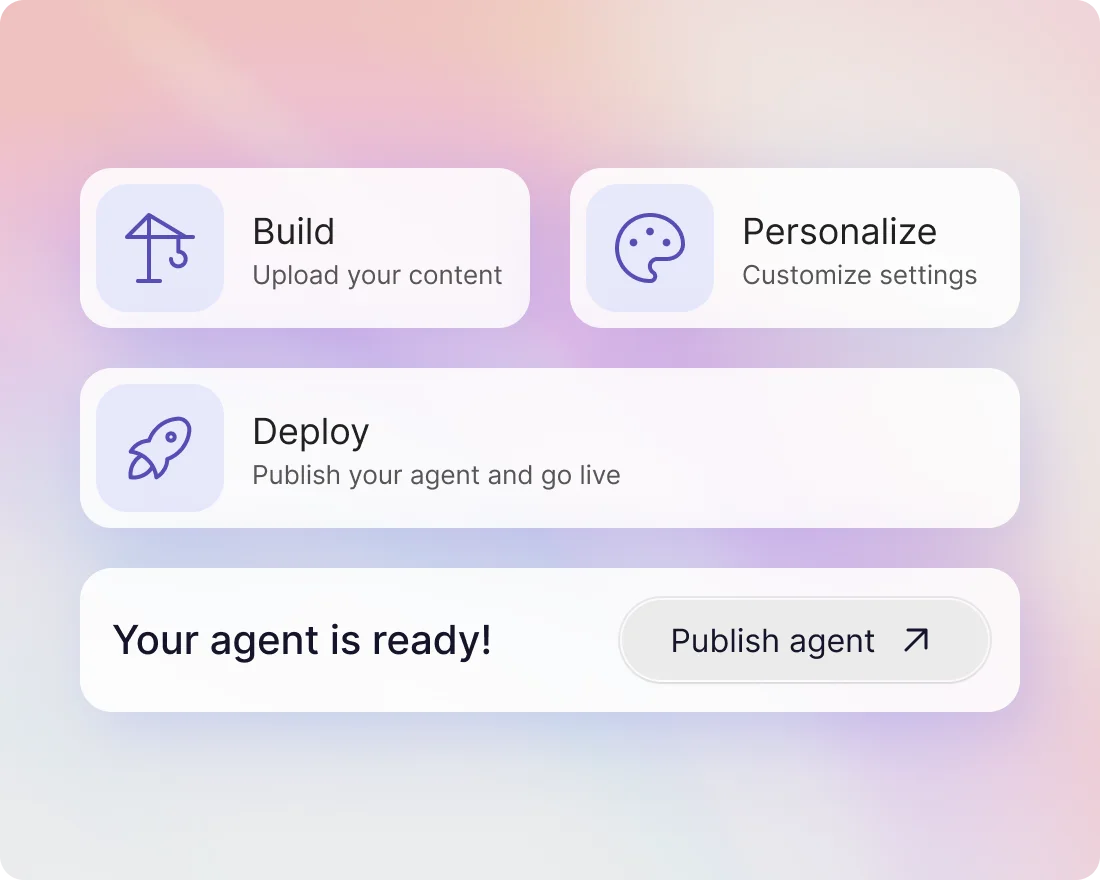
Answer every new-starter question on day one
Turn handbooks, policies and recorded sessions into an agent that answers new joiners directly, in their own words, from your own material.
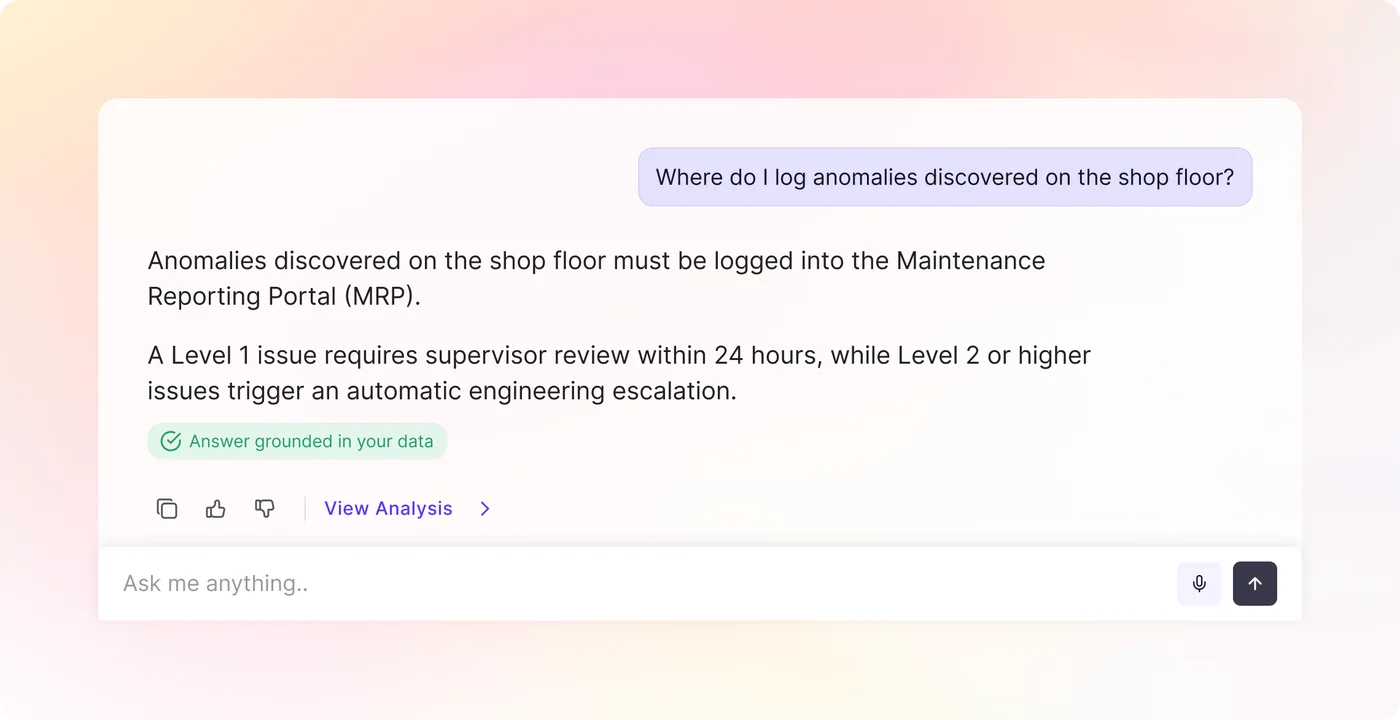
Work faster with instant, accurate information
Give team members exactly the right information — no more, no less — with use-specific assistants and role-based access across everything you have already written down.
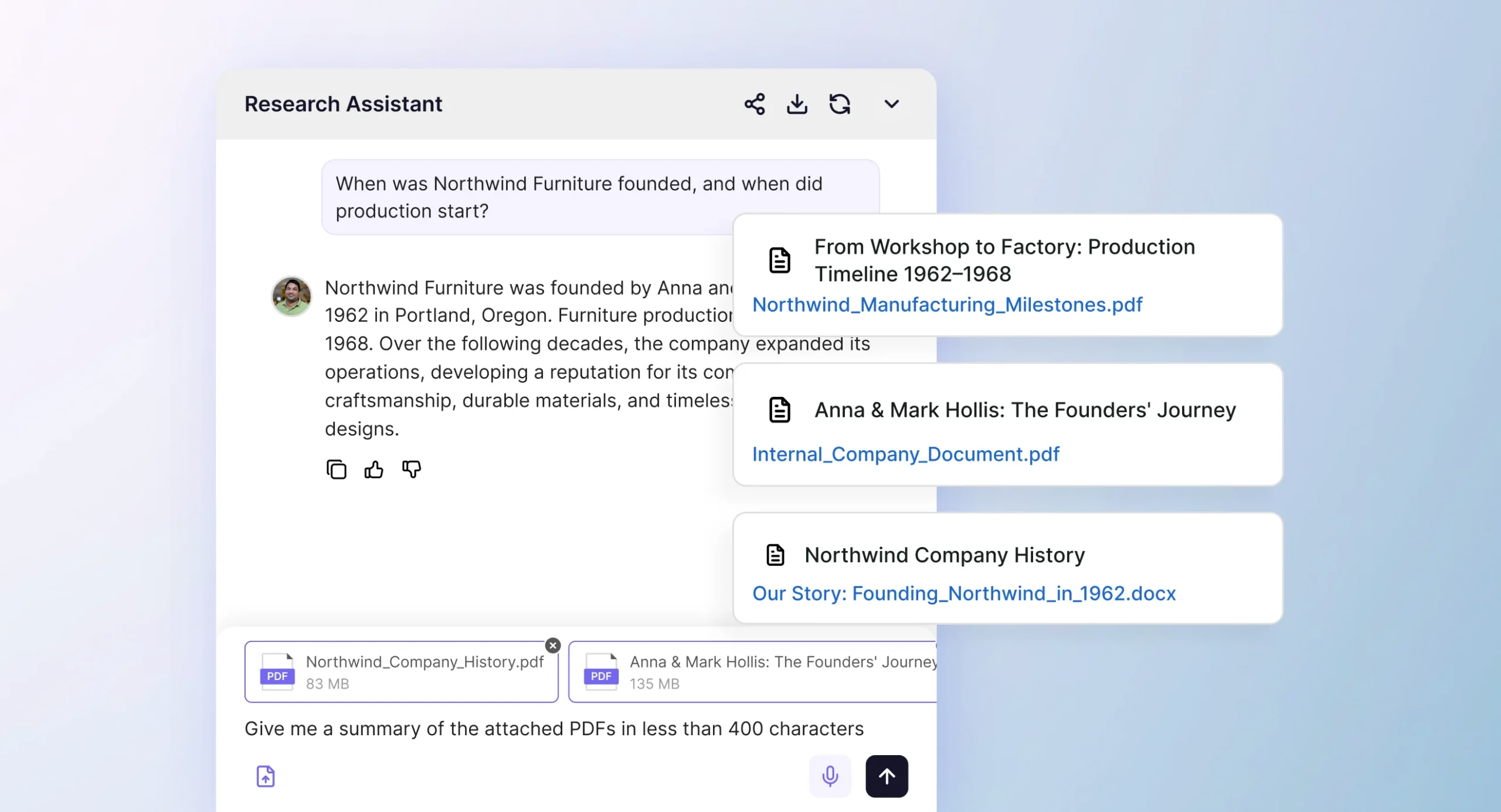
Ask your own library the question
Point an agent at 1,400+ supported file types and dozens of integrations, and get answers that come only from your approved sources, each one linked back to where it came from.
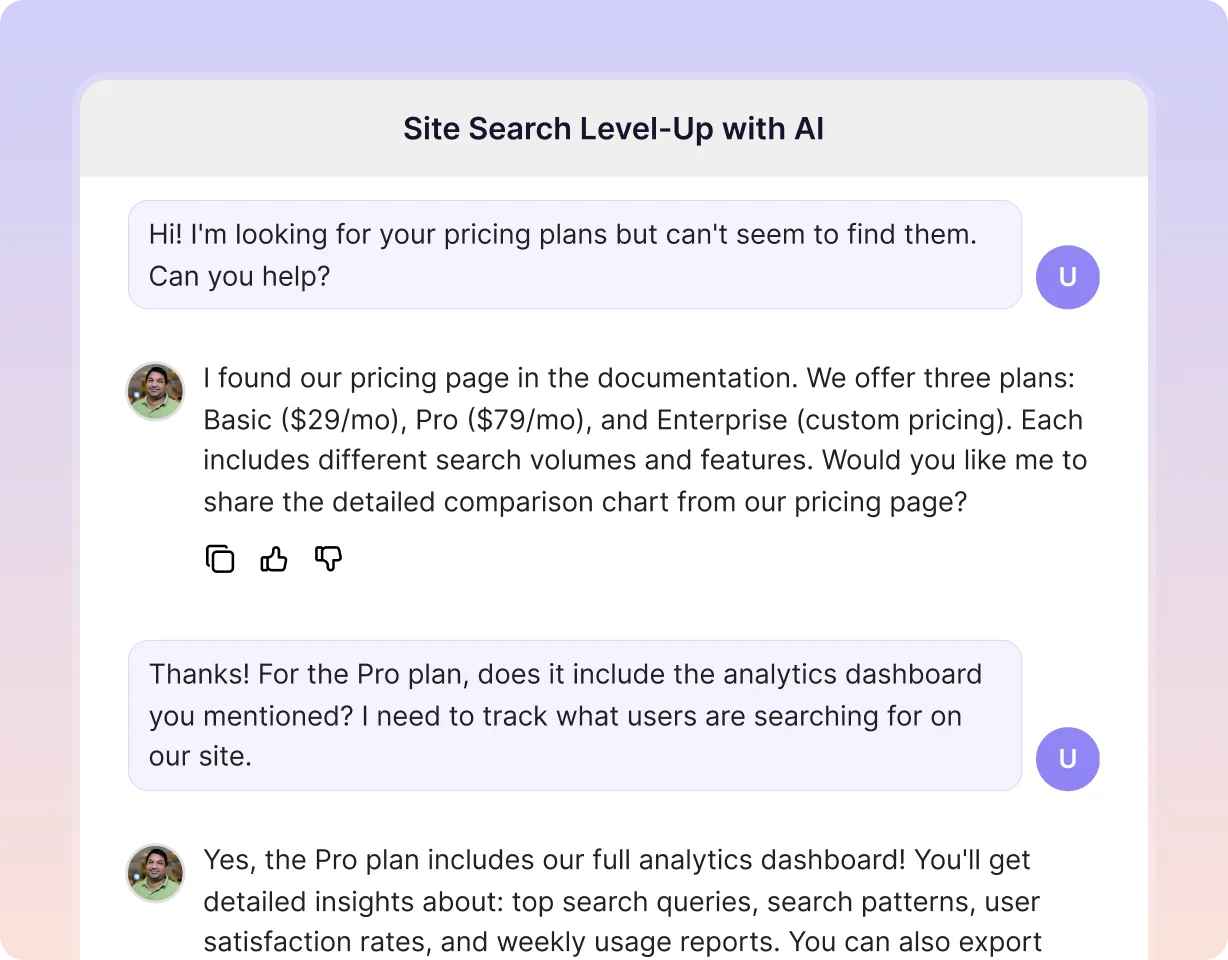
See what your visitors are actually asking
Every conversation is a record of what people came looking for. Read the questions your site is being asked and what it managed to answer.
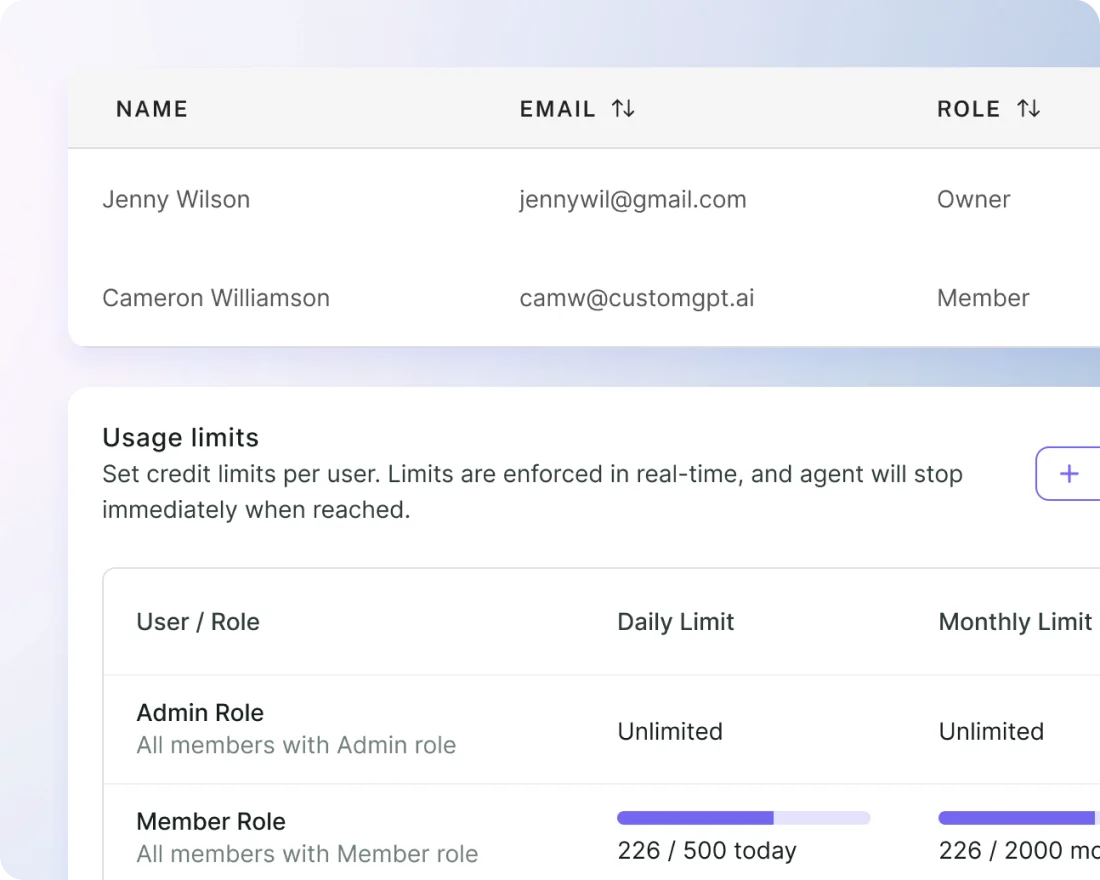
Keep your team current on the market
Collect the reports, transcripts and pages your team relies on into one agent, so a market question gets a sourced answer instead of a search.
Frequently Asked Questions
Can our members use Microsoft 365 Copilot?
Microsoft 365 Copilot is a per-user license for your staff. Microsoft’s licensing guide says employee-facing use of Copilot Studio agents is included when the user holds the license, and usage outside that scope is billed in credits. Members can use a Copilot Studio agent you publish, and Microsoft says users of an agent do not need a special license.
How much does a Copilot Studio agent cost?
Microsoft lists $200 a month for a pack of 25,000 Copilot Credits, a one-year prepaid plan with up to 20% off, and pay-as-you-go through Azure, billed at the end of each month. Its billing page says a generative answer uses 2 credits and an agent action uses 5. CustomGPT.ai Standard is $99 a month with 1,000 queries and 3 team members. Its SharePoint connector starts on Premium at $499 a month.
Does Microsoft's nonprofit discount cover member use?
Microsoft’s nonprofit FAQ says program participants, members and donors are not eligible for nonprofit licenses or subscriptions. Eligible nonprofits can buy the Microsoft 365 Copilot add-on at $25.50 per user per month for their own staff. We found no nonprofit rate for Copilot Studio credits on the pages checked.
Is there a free version of Microsoft Copilot?
Microsoft says Copilot Chat, a web-grounded assistant, is included at no additional cost with eligible Microsoft 365 plans. It is a general assistant for your staff, not an agent trained on your member content.
Can Copilot Studio answer only from our documents?
Copilot Studio has an “Allow ungrounded responses” setting. Microsoft says turning it off does not guarantee the agent never uses general knowledge. CustomGPT.ai agents answer from your approved content and are built to say they do not know when the answer is not there.
Can we use Microsoft Copilot and CustomGPT.ai together?
Yes. Staff can use Microsoft Copilot inside Office while CustomGPT.ai answers members on your website, both drawing on the same SharePoint library.
Can't we just use ChatGPT or Claude for this instead?
ChatGPT and Claude are general assistants. Building this on top of them means you design the document retrieval, the source citations and the “I don’t know” behavior yourself. Then you put the result through a security review. CustomGPT.ai includes those: responses come from your own content and link to their source.
What would an association use CustomGPT.ai for?
A member asks “What is the renewal deadline for my certification?” and the assistant answers from your certification handbook and links the source. A US national professional society for pharmacists runs nine assistants this way, one for each job that needed one, including drug information, residency programs, advocacy and internal staff support. All nine run on a single entry-level subscription, and in three years the society has raised zero support tickets.