Learn how to integrate my AI chatbot with a CRM using Zapier, Make, APIs, or MCP to sync contacts, automate workflows, and personalize customer interactions in real time.
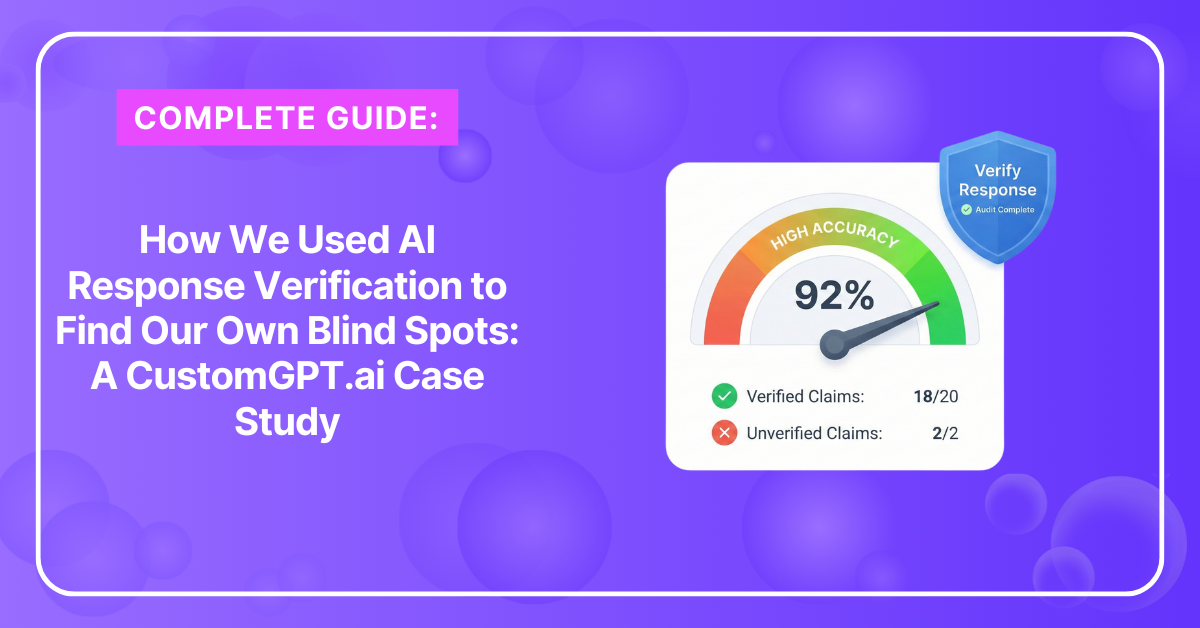
Learn how to reduce AI hallucinations using data quality, retrieval grounding, structured prompts, temperature control, and validation to ensure accurate responses every time.
Learn how to connect SharePoint to my chatbot using indexing, permissions, Microsoft Graph, syncing, and CustomGPT.ai integrations to deliver accurate answers from SharePoint content.
Learn how to keep my chatbot’s knowledge up to date using auto-sync, scheduled reindexing, accuracy validation, and analytics to ensure always-fresh responses for users.
Learn how to make my chatbot multilingual using detection, translation, tone settings, and language switching to serve global audiences across more than 90 supported languages.
You can pull content from HubSpot via API or via CustomGPT.ai’s HubSpot integration, index it into your chatbot’s knowledge base, and automate updates so the chatbot uses current info.
Track link clicks inside your website chatbot using GA4, GTM, JavaScript listeners, redirect links, and CustomGPT.ai’s built-in analytics and UTM-tagging tools.
Start with the smallest option that meets your accuracy and context needs. Use Fastest Responses for speed/cost, then move up to Highest Relevance or Complex Reasoning when you need stronger retrieval, re-ranking, or deeper reasoning. Enterprise teams can explicitly pick advanced models per agent.
Learn how to customize your AI chatbot’s branding, tone, colors, domain, and interface so it matches your product and delivers a seamless, on-brand experience.
Generative AI can be safe for businesses when controls for privacy, security, and compliance are applied