

The rise of no-code tools is revolutionizing how professionals and enthusiasts—like entrepreneurs, marketers, small business owners, and developers with minimal coding experience—build and innovate. No-code AI tools, in particular, allow you to harness powerful AI capabilities without writing a single line of code.
How Do No-Code AI Tools Work?
No-code AI tools provide visual editors and drag-and-drop functionalities, letting you create apps and AI models without needing any programming knowledge. They manage all the complex backend processes for you, so you can focus on the creative and strategic aspects of your project.
Key Benefits:
- No Technical Knowledge Required: Create apps or AI models without hiring a developer.
- Faster Time to Market: Develop and launch applications in a fraction of the time.
- Cross-Platform Compatibility: Build apps that work seamlessly across multiple platforms.
- Lower Costs: Save on development costs with subscription fees that start at just a few hundred dollars per month.
- Increased ROI: Quicker deployment and lower costs mean a faster return on your investment.
Top 10 No-Code AI Tools to Simplify Your Workflow
Let’s dive into the top 10 no-code AI tools that can transform your workflow and help you achieve your goals faster and more efficiently.
1. CustomGPT.ai
Category: Chatbot and Customer Engagement
CustomGPT.ai allows businesses to create custom chatbots using their own content. This platform integrates with advanced large language models (LLMs) to deliver accurate, context-aware responses based on your specific data, such as website content, documents, videos, and more. It’s privacy-first and secure, with features like GDPR compliance, encryption, and extensive privacy controls. With easy deployment options, including website embedding and API access, CustomGPT.ai boosts productivity, enhances customer engagement, and reduces costs by automating repetitive tasks.

2. Runway ML
Category: Creative Media Creation
Runway ML is designed for creatives who want to generate and edit professional-quality videos without any coding. Its suite of tools offers everything from real-time video editing to AI-powered special effects, making it perfect for filmmakers, marketers, and content creators. The platform’s user-friendly interface allows even those with minimal technical skills to explore and create stunning media content effortlessly.

3. Obviously AI
Category: Data Analysis
Obviously AI democratizes data science by enabling non-technical users to build machine learning models in minutes. Simply upload your data, and the platform automatically creates predictive models, providing insights and actionable outcomes without requiring coding knowledge. Its simplicity and speed make it an ideal tool for small businesses and teams looking to leverage AI for smarter decision-making.
4. Akkio
Category: Predictive Analytics
Akkio empowers businesses to use AI for decision-making across marketing, sales, and operations. With its drag-and-drop interface, you can easily build and deploy predictive models without needing a data science background. It’s an excellent choice for businesses of all sizes looking to make data-driven decisions quickly and affordably.
5. Lumen5
Category: Video Creation
Lumen5 transforms your blog posts and other written content into engaging videos, ideal for digital marketing and social media campaigns. With its intuitive drag-and-drop editor, users can effortlessly create visually appealing videos that help increase online engagement and drive traffic.
6. Descript
Category: Audio and Video Editing
Descript is a game-changer for podcasters and video creators. Its unique text-based editing approach allows you to edit audio and video files as if you were editing a text document, making it incredibly simple to cut, trim, and produce high-quality content. The tool also offers transcription services, making it a complete package for content creators.

7. AIVA
Category: Music and Audio Generation
AIVA uses AI to compose unique music tracks, perfect for content creators, marketers, and developers needing royalty-free music for videos, games, and other media. The platform’s easy interface lets users, even those without a musical background, generate high-quality soundtracks tailored to their specific needs.
8. Eleven Labs
Category: Text-to-Speech
Eleven Labs offers advanced AI-driven voice synthesis tools to create realistic voiceovers for videos, podcasts, and e-learning materials. It supports multiple voices and languages, making it a favorite among businesses and content creators looking to enhance their multimedia projects with human-like speech.
9. Visme
Category: Graphic Design and Presentation
Visme simplifies the process of creating visually stunning content, such as infographics, presentations, and reports. It offers a wide range of customizable templates and design tools, enabling users to produce professional-grade graphics without needing a designer’s skill set. Its collaborative features also make it perfect for teams.

10. Dataiku
Category: Data Science and Machine Learning
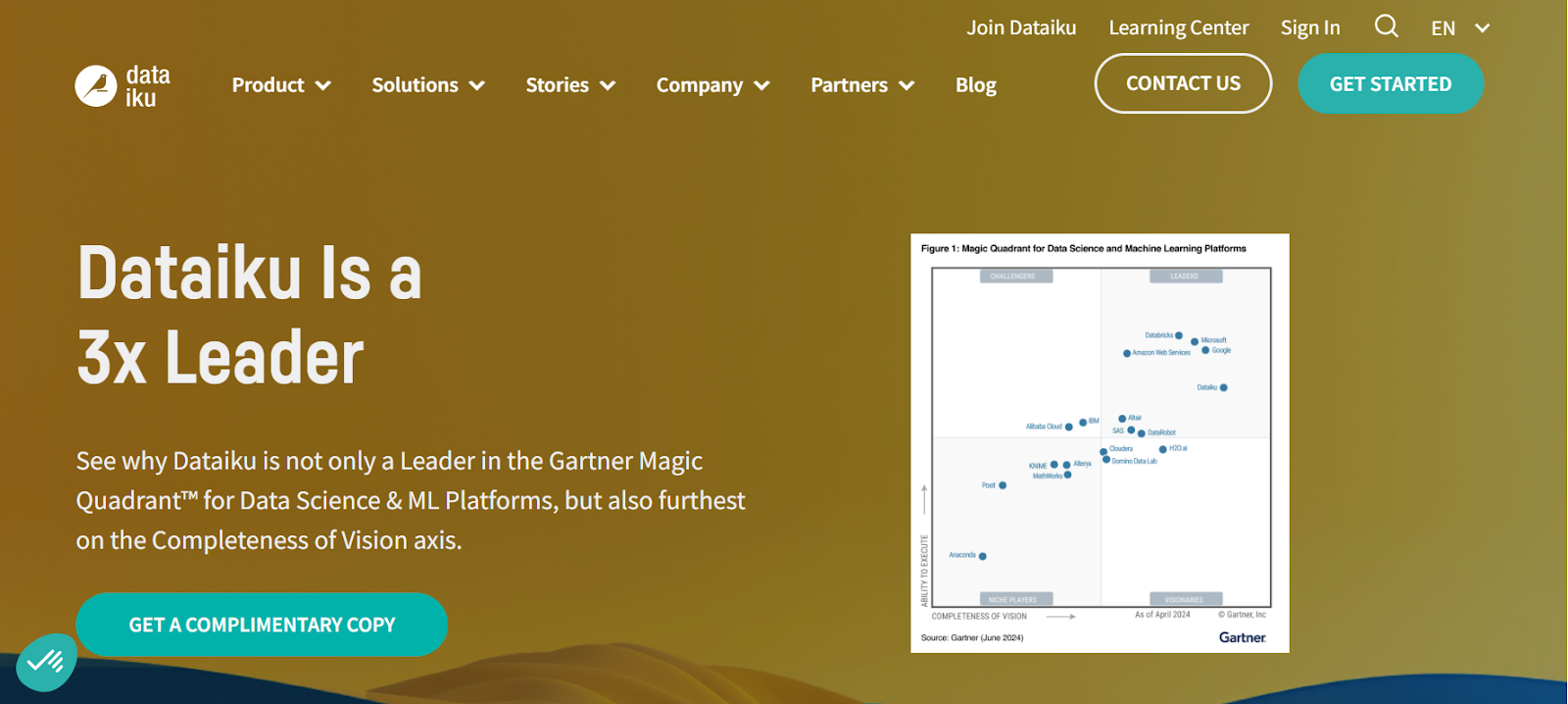
Dataiku provides a no-code environment for data preparation, machine learning, and data visualization. It’s designed for cross-functional teams, allowing them to collaborate on AI projects without needing programming expertise. With Dataiku, you can democratize data science in your organization, enabling smarter and faster decision-making.
Simplify Your Workflow with No-Code AI Tools
No-code AI tools empower users to leverage advanced AI without coding, saving time, cutting costs, and boosting productivity. These tools enable everyone—from entrepreneurs to developers—to innovate quickly and efficiently.
CustomGPT.ai is a prime example of this impact. Consider the case of i4ANeYe, a startup that used CustomGPT.ai to develop a prototype for its “Epiphany Engine” AI model. By leveraging CustomGPT’s no-code platform, anti-hallucination technology, and multi-source data integration, the startup rapidly built a compelling prototype without needing substantial financial investment. This swift development attracted significant interest from investors, positioning i4ANeYe for a major funding deal.Want to see similar results? Explore CustomGPT.ai today and discover how it can elevate your workflow, enhance customer engagement, and drive innovation effortlessly.
Frequently Asked Questions
How do you choose the right no-code AI tool if you need a custom AI assistant without coding?
Choose a no-code AI tool by testing whether non-technical staff can upload content, check answers, and publish without developer help. For a custom AI assistant, prioritize retrieval, citations, analytics, channel consistency, and privacy controls.
Before you buy, run a trial with your own manuals, policies, or help-center articles. Check whether the assistant cites the correct source and gives the same answer on your website, support chat, search bar, and API. A useful buying tip: retrieval-augmented generation is often a better fit than fine-tuning alone for frequently changing content because you can update answers by refreshing the knowledge base instead of retraining the model. Compare tools such as CustomGPT.ai, Botsonic, and Intercom Fin on that workflow first. MIT reports its assistant supports 90+ languages with zero hallucinations, showing why strong source-grounding matters.
Are no-code AI tools the same as workflow automation tools like Zapier or Make?
No. If you need AI to answer questions, analyze documents, generate content, or make predictions, you need a no-code AI tool. If you need apps to trigger actions and pass data between systems, you need a workflow automation tool like Zapier or Make.
A company building a custom AI agent or no-code chatbot is solving a different problem than a team using Zapier to move form submissions into a CRM, create help desk tickets, or send Slack alerts. The practical difference is reasoning versus routing. Automation runs are usually event-based and deterministic, while AI outputs are probabilistic and depend on prompts, retrieval, or models. Many teams use both together. Some no-code AI platforms, including CustomGPT.ai, can plug into 1,400+ Zapier integrations, so the AI handles the conversation or analysis while the automation layer handles follow-up steps across email, CRM, help desk, or other business tools. For example, GEMA’s AI assistant handles 248,000+ inquiries with an 88% success rate.
Why can a no-code AI assistant become less reliable, and how can you reduce that risk?
A no-code AI assistant becomes less reliable when retrieval misses the right source, or when different bots use different document sets, so it answers confidently from partial context. A common failure mode is missing a key passage in an uploaded PDF, like a refund exception buried on page 14 of a policy manual.
To reduce that risk, choose a RAG-based tool such as CustomGPT.ai, Intercom Fin, or Botpress that can ingest websites, PDFs, help docs, and other files into one vetted knowledge base used across web chat and messaging channels. Require source citations on every answer, then review conversation analytics to see which questions failed and add missing documents before wider rollout. One technical detail that matters: retrieval usually searches small text chunks, so if a rule and its exception are split across chunks, accuracy can drop. MIT reports zero hallucinations across 90+ languages by grounding answers in approved content.
Can you really build a custom AI assistant without coding, or will you hit customization limits?
Yes, you can build a custom AI assistant without coding for most FAQ, support, lead qualification, and internal knowledge use cases. You usually need code only when the assistant must take product actions, run custom workflows, or connect deeply to systems like your CRM, ERP, or authenticated user data.
A common path is to launch a branded website chat or AI search assistant on your own content first, then add API integrations later if you want order lookups, ticket creation, or account-specific answers. The same assistant can be deployed in chat, AI search, and API with the same retrieval settings and knowledge base, so answers stay consistent across channels. Ontop reports cutting response time from 20 minutes to 20 seconds with an AI assistant. Tools such as Voiceflow, Botpress, and CustomGPT.ai follow this no-code-first pattern.
Can no-code AI tools connect to existing systems like CRMs, help desks, and internal knowledge bases?
Yes. No-code AI tools can connect to CRMs, help desks, and internal knowledge bases through native integrations, APIs, webhooks, and Zapier.
A common setup is to sync documents, policies, and wiki pages into the AI search index, then fetch live customer or ticket data only when needed from systems like Salesforce or Zendesk. That reduces stale answers and keeps permissions tied to the source system. Many teams also keep write actions, such as updating a case or creating a lead, behind server-side approval steps instead of letting the bot change records directly. BQE Software reports 86% AI resolution, which shows this model can work when support content and business systems are connected well. Platforms such as Intercom Fin, Ada, and CustomGPT.ai support this split between indexed knowledge and live system data.
How should you compare no-code AI tools for different use cases?
Compare no-code AI tools by the job to be done, then score each option on data fit, channels, integrations, privacy, and live-test accuracy. Use chatbot builders for support or lead capture, creative tools for images or video, and predictive tools for forecasting or lead scoring.
For a custom AI setup without coding, test your own manuals, PDFs, and FAQs before buying. Check supported file types, CRM and API connections, deployment to web chat and WhatsApp, role-based access, retention settings, and multilingual quality. Also check pricing details many teams miss: message limits, vector storage caps, and seat minimums can change total cost fast. Runway fits media creation. Akkio fits forecasting. For document-heavy AI search and support, compare Voiceflow or Botpress with CustomGPT.ai using the same 20 to 30 real questions. At Ontop, AI cut response time from 20 minutes to 20 seconds, which shows why live trials matter more than polished demos.