

Drive 17x more CTA clicks than your old chatbot
Turn visitors into conversions and revenue with Revenue Agent — the world’s first AI Closer.
Trusted by 10,000+ organizations worldwide










Traffic costs money. Make every visit count.
Convert more of your hard-earned traffic into revenue. Revenue Agent greets visitors with personalized, human-like conversation, reads their intent, and expertly steers them straight to your target revenue-driving pages — automatically.
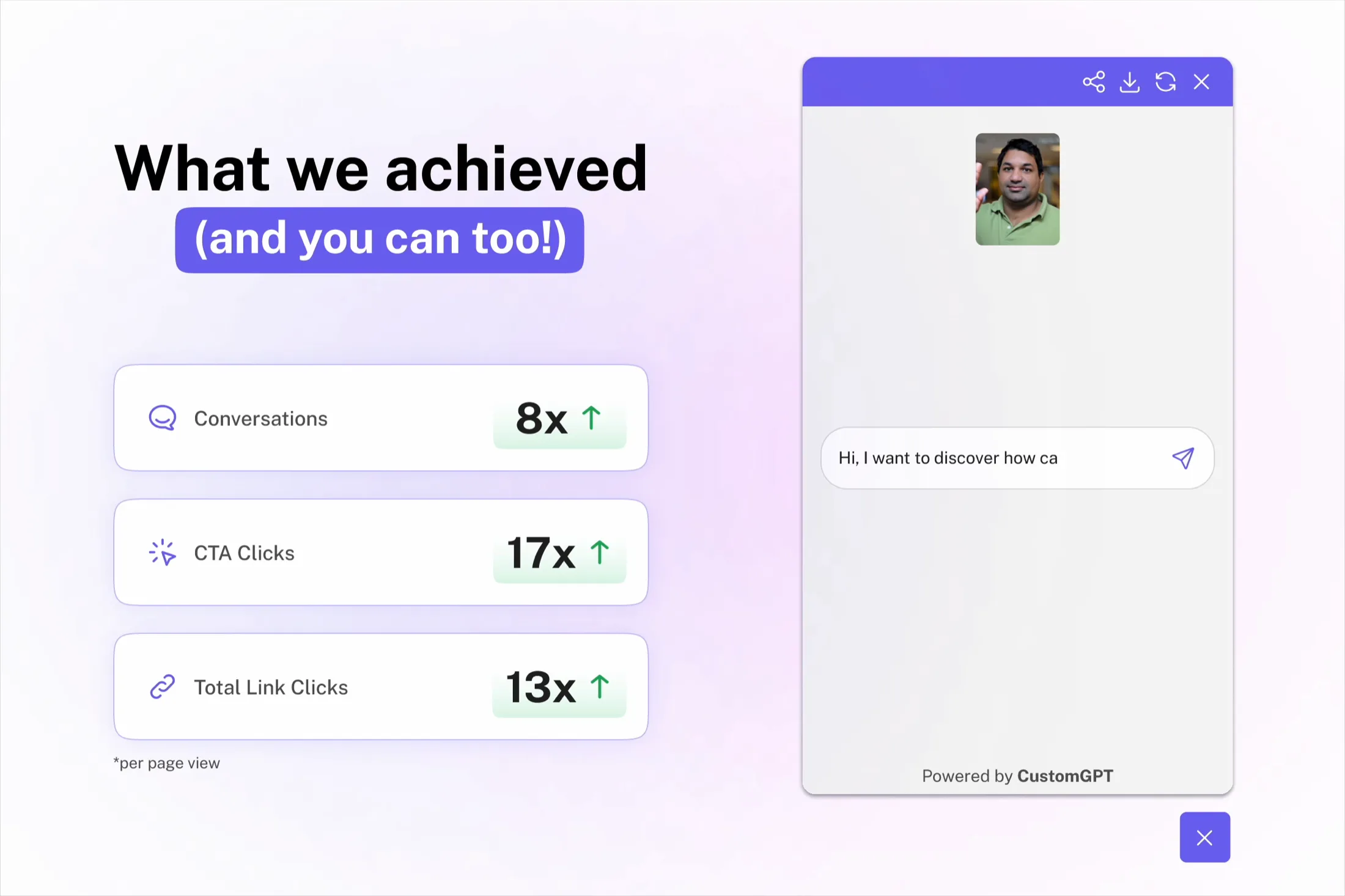
Case study: Revenue Agent vs standard chatbots
- 8x
- More conversations
- 17x
- More CTA clicks
- 13x
- More total links clicked
Why it works
Why Revenue Agent works
-
Personalized conversations
Personalizes the conversation based on the user and where they are on your site.
-
Sales expertise
Pairs natural, free-flowing conversation with expert sales techniques to maximize conversions.
-
Goal-obsessed
Centers its behavior around driving your target conversion with natural CTAs.
-
Animated chat avatar
An animated chat avatar captures attention without needing a page redesign.
-
Proactive engagement
Engages customer with a context-relevant prompt in 2.5s after load.
-
Specialized in you
Pulls accurate answers from your information, with CustomGPT.ai’s industry-leading accuracy technology.
How it works
How it works
Sign up for CustomGPT.ai
If you’re new to CustomGPT.ai, create an account today and try free for 7 days.
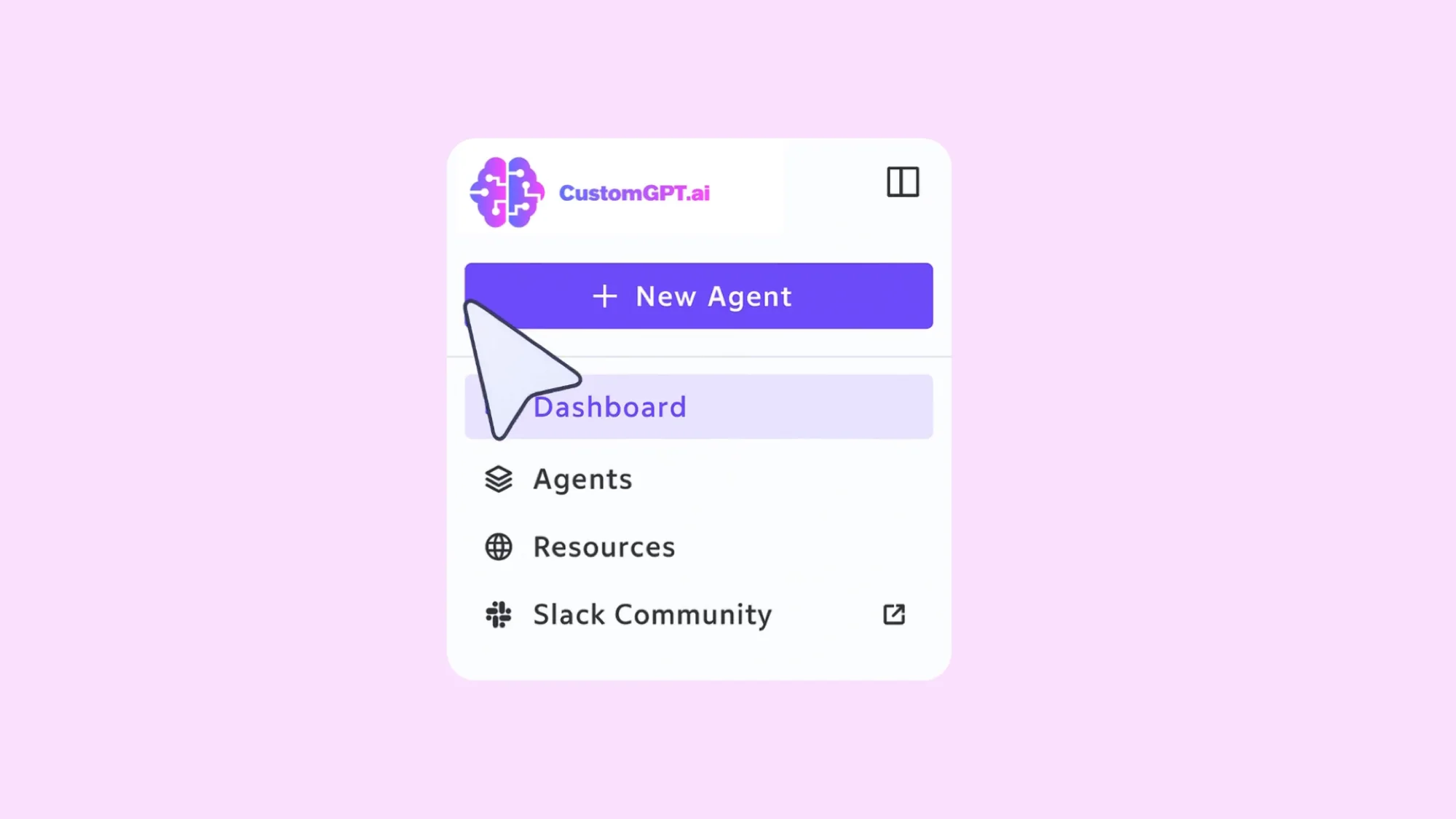
Toggle on Revenue Agent
Create a new agent and select “Revenue Agent”, or simply toggle on the features to upgrade existing agents.
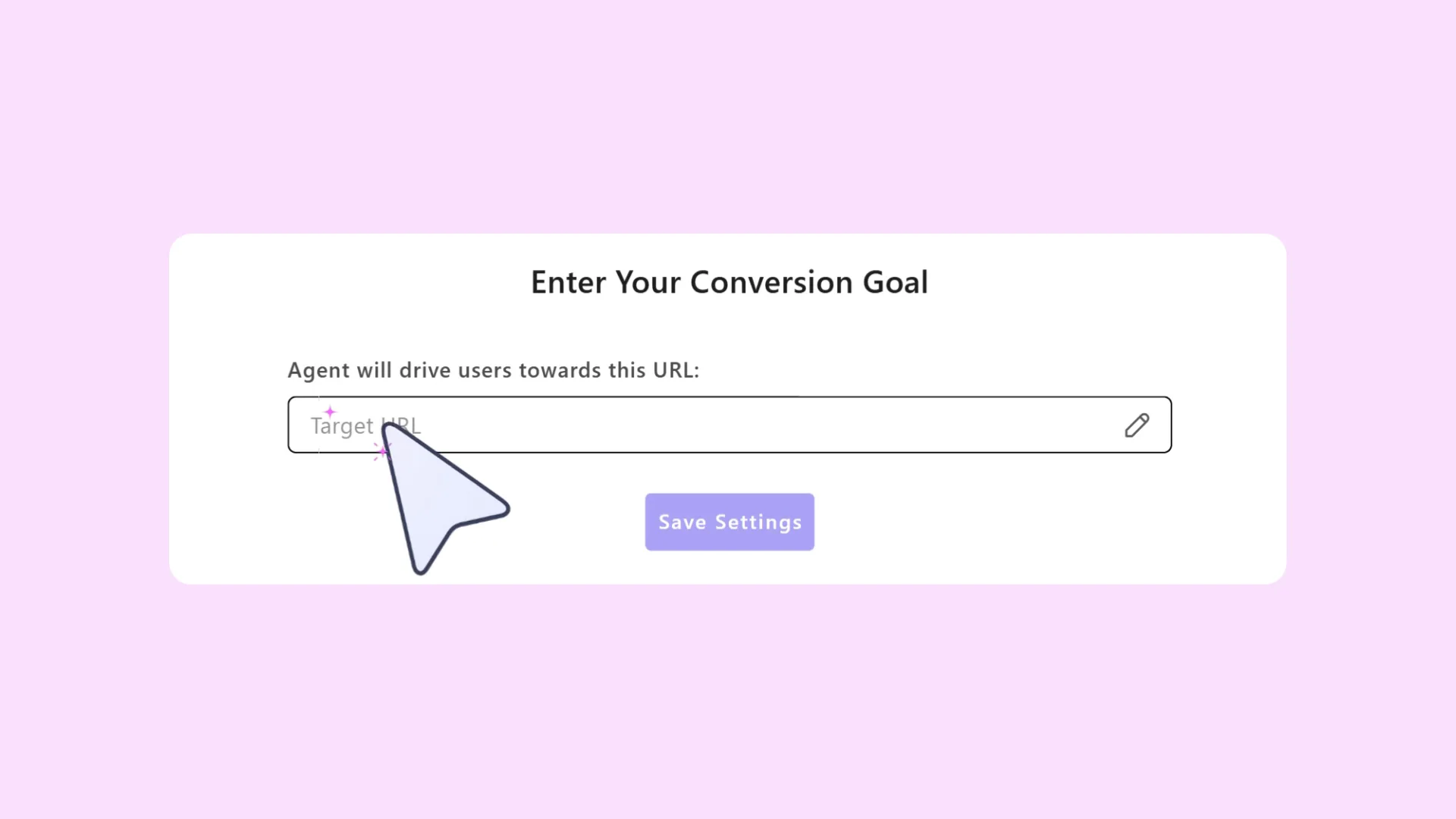
Set your goal URL
Paste the page you want visitors to reach, like a sign-up or demo page.
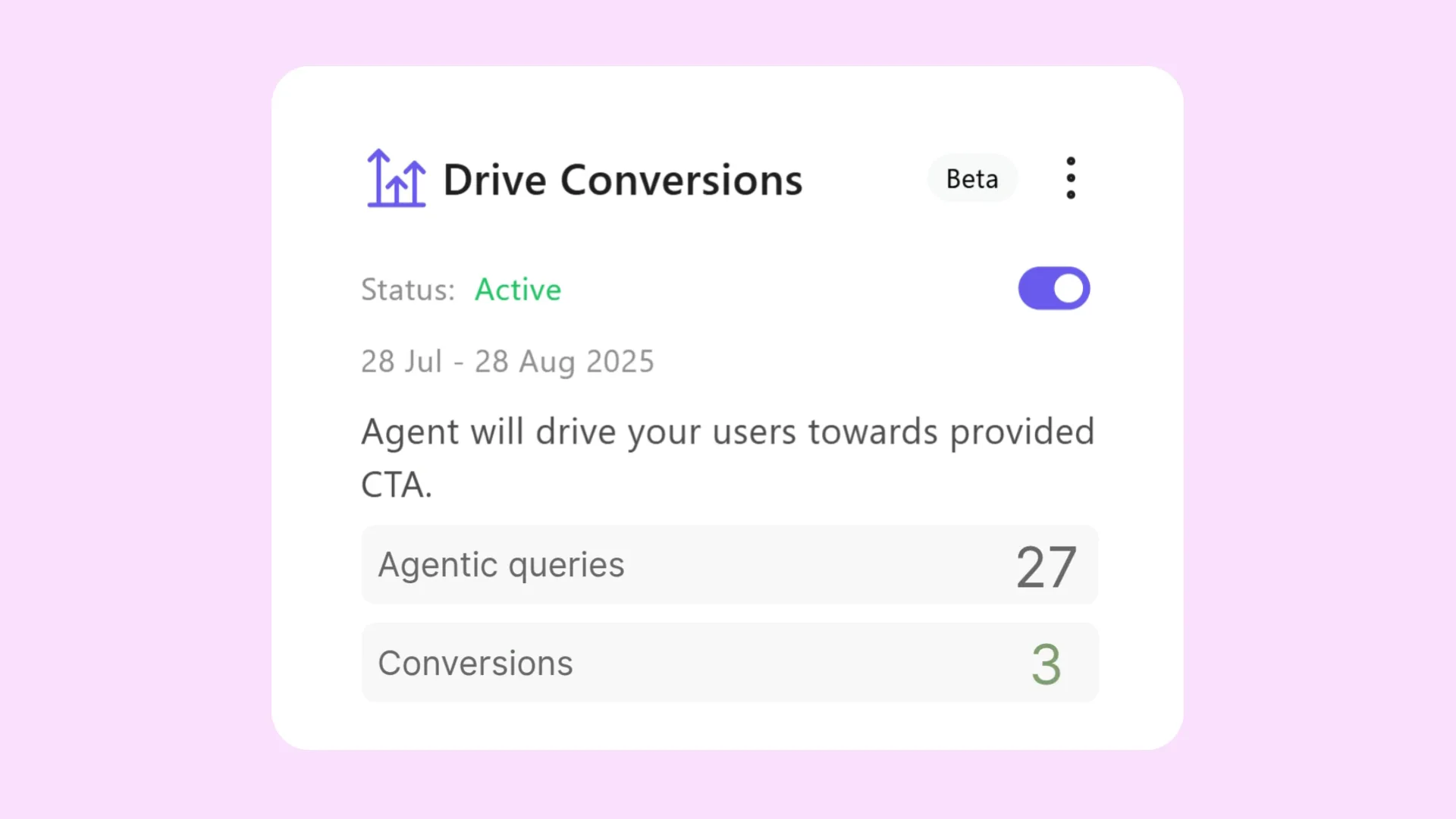
Measure the impact
The Actions dashboard shows conversations in real time.
Plans & pricing
You can create Revenue Agents with CustomGPT.ai Premium and Enterprise plans
Frequently asked questions
What exactly is Revenue Agent?
Revenue Agent is an advanced settings bundle that turns any CustomGPT.ai web deployment into a goal‑seeking, context‑aware AI agent aimed at driving a single call‑to‑action such as a sign‑up, demo booking, or purchase.
How do I activate it?
We prepared the Revenue Agent template for an instant, pre‑configured setup. To convert an existing agent, open its Personalize page and choose the Revenue Agent role from the dropdown. When creating a new agent, choose the Revenue Agent role from a dialogue that will show up.
What kind of results should I expect?
In‑house experiments saw up to 7× more register clicks and 10× more overall clicks versus our prior agent on the same pages; actual results vary by site traffic and offer.
Do I need a new embed code?
No. The same JavaScript snippet powering your current widget now serves Revenue Agent.
What goal can I set?
For launch, simply paste the target URL you want visitors to reach. More objective templates are on the roadmap.
Where will I see results?
The Actions page shows live counts of conversations and link clicks attributable to Revenue Agent so you can track lift over time.
Which plans include the Revenue Agent?
Revenue Agent is bundled with Premium and Enterprise plans.
What is the cost of using Revenue agent features?
Each Revenue Agent query consumes three regular queries.
What features make up Revenue Agent?
Revenue Agent is a toolkit of four switchable modules: Conversion Driver (agentic planning and persuasion), Context Awareness, Agent Initiative (proactive prompt), and the Spotlight Avatar.
How do I enable or disable the Conversion Driver?
In the same Actions page toggle Conversion Driver; it is off by default.
What exactly does the Conversion Driver do?
It plans several steps ahead, keeps replies short, inserts organic links, steers a human‑like conversation, employs persuasion, and remembers in‑chat info to stay goal‑focused.
What is the cost of the Conversion Driver?
On its own, each query costs 2 queries; with Context Awareness active it is 3 queries.
What user information can the agent remember?
Only the details visitors type into the chat—nothing else.
How is captured PII stored?
Data visitors leave in chats (e.g., name, email) is stored in our secure databases under the same SOC 2‑Type II and GDPR‑compliant controls detailed at our Security page.
Where do I specify the conversion goal URL?
Paste the target link into the dedicated Goal URL field on the Actions page.
Can I set multiple objectives?
Not directly. Add secondary instructions inside the agent’s Persona if needed.
Can I change the tone or length of responses?
Yes. Edit the agent’s Persona to tweak style, brevity, and voice.
Can I customize the call‑to‑action wording?
The agent selects phrasing autonomously, but its style is influenced by your Persona settings.
Do outbound links include UTM tags, and can I disable them?
Yes, UTM parameters are added by default and can be toggled off with one click.
How do I turn Context Awareness on or off?
Open the project’s Actions page and toggle Context Awareness; it is off by default.
Do I need extra permissions or a new script for Context Awareness?
No. It works with the standard CustomGPT embed—no crawler settings or parameters to add.
Are there limits to Context Awareness?
Yes, each agent can index up to 1 000 pages.
What does Context Awareness cost?
When used alone, each query counts as 2 standard queries; combined with Conversion Driver it counts as 3 queries.
Are there environments where context awareness won’t work?
Revenue Agent cannot crawl login‑protected pages and may struggle on very slow‑loading sites or complex single‑page apps.
How soon does the Agent Initiative proactive prompt appear?
By default, 2.5 seconds after the page loads. This timing is fixed for the initial release.
How do I create the prompt for Agent Initiative?
Whatever you set as the agent’s First Starter Question becomes the proactive prompt.
Will the proactive prompt adapt to page content?
Yes—if Context Awareness is enabled, the agent tailors the prompt to the current page
What happens when I enable Revenue Agent regarding the Spotlight Avatar?
You’ll be asked to keep the default animation or upload your own; you can also stick with the regular in‑chat avatar.
Can the Spotlight Avatar be round or rectangular?
Both shapes are available; choose the one that best fits your brand.
What formats are supported for the Spotlight Avatar?
Upload JPG, PNG, GIF, WEBP, or WEBM files up to 5 MB; size is fixed for consistent presentation.
Does it work in every language CustomGPT.ai supports?
Yes. Context detection and proactive messaging respect the visitor’s language automatically.
If I don’t like the new behaviour, can I revert without redeploying code?
Absolutely—just toggle off any module on the Actions page and the agent returns to standard behaviour instantly.
What’s next on the roadmap?
Upcoming releases will add Zapier‑level lead pushes, richer in‑app attribution dashboards, and multi‑step objective sequencing.