
Custom integration unifies disparate systems into a streamlined, efficient ecosystem, turning data silos into seamless information flows. Off-the-shelf tools often fall short; bespoke integration bridges gaps with precision.

Strategic planning, including mapping data flows and orchestrating real-time communication, ensures technical requirements align with business goals. This alignment paves the way for smooth implementation.
Continuous optimization keeps your integration healthy and future-proof. By monitoring performance and iterating on feedback, you maintain a resilient ecosystem that adapts as your needs evolve.
Defining Custom Integration
Custom integration thrive on a principle often overlooked: the alignment of data architecture with business-specific workflows. This isn’t just about connecting systems; it’s about ensuring that the data exchanged is contextually relevant and actionable.
For example, integrating a supply chain management system with a financial platform requires more than API compatibility, it demands a shared understanding of data hierarchies, such as SKU-level granularity versus aggregated financial reporting.
One critical technique is the use of middleware platforms that act as translators between systems. Middleware not only bridges technical gaps but also enforces data validation rules, ensuring that errors in one system don’t cascade into others.
However, middleware solutions can introduce latency, making them less suitable for real-time applications like IoT monitoring.
Context matters significantly. A retail company operating globally may prioritize integrations that handle multi-currency transactions, while a healthcare provider might focus on HIPAA-compliant data flows.
These priorities shape the choice of tools and methodologies, from ETL pipelines to event-driven architectures.
Ultimately, custom integrations are an investment in resilience. By tailoring connections to your unique ecosystem, you reduce operational risks and create a foundation for scalable growth.
Why Custom Integration Matter
Custom integration empowers organizations to connect disparate systems into a cohesive whole that supports their unique processes. This approach turns fragmented workflows into streamlined operations that drive efficiency and innovation.
- Enables data consistency across all platforms
- Improves operational efficiency by automating manual tasks
- Supports scalable growth with adaptable architecture
- Enhances security through tailored access controls
- Provides competitive advantage via bespoke functionality
- Reduces long-term costs by minimizing licensing and maintenance fees
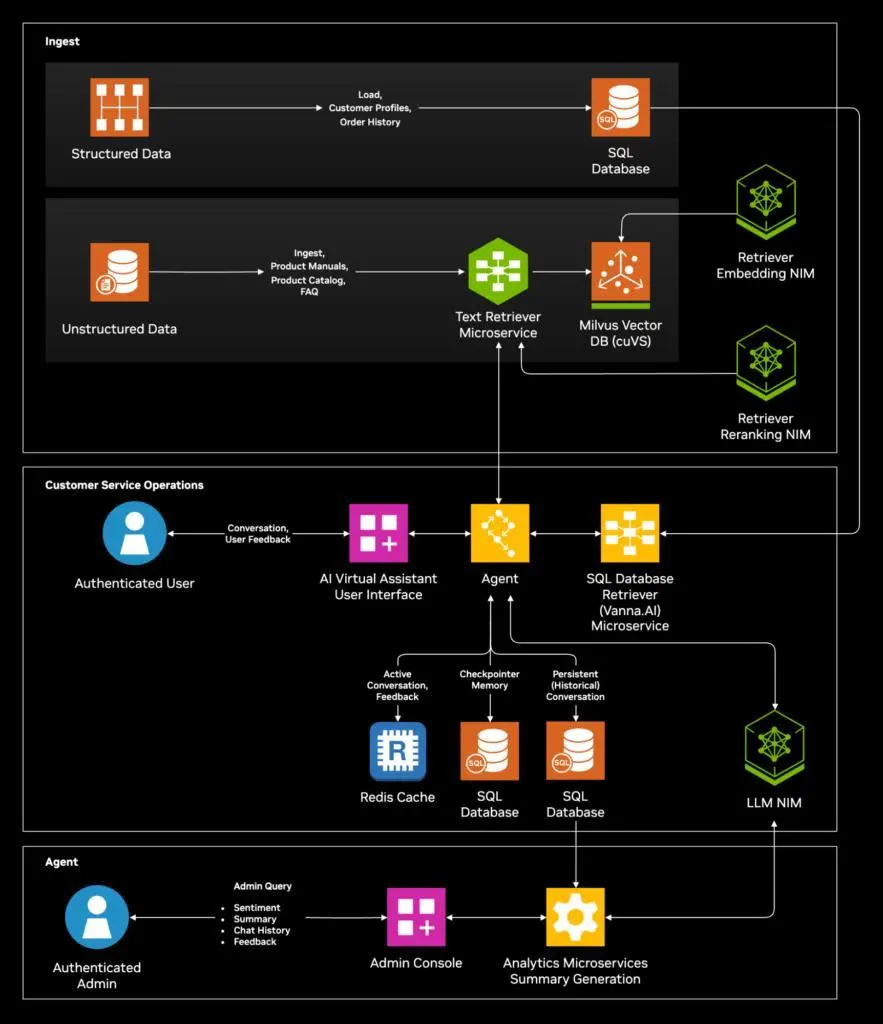
Point-to-Point vs. Hub-and-Spoke Models
Custom integration models determine how systems communicate and scale by defining topologies such as event-driven architectures with message brokers and circuit breakers to enforce resilience.
Choosing the right pattern influences idempotency strategies, schema evolution handling, and back-pressure management while reducing coupling and operator cognitive load.
| Aspect | Point-to-Point Model | Hub-and-Spoke Model |
| Architecture | Direct connections between each pair of systems | Central integration hub mediates all communication |
| Complexity | Increases exponentially with each added system | Remains relatively stable, as each system connects only to hub |
| Scalability | Difficult to scale due to growing number of connections | Easy to scale by adding new systems through the hub |
| Maintenance | High effort, since each connection must be managed | Lower effort, hub configurations are centralized |
| Cost | Lower initial cost but rising long-term maintenance fees | Higher initial investment in hub but lower ongoing costs |
| Data Flow | Direct but inflexible | Flexible routing and transformation through hub |
| Use Cases | Small networks or point solutions | Enterprise-wide integration and complex workflows |
Implementing Custom Integration: A Step-by-Step Guide
Implementing a custom integration begins with thorough planning to align technical tasks with business goals. A clear, structured approach ensures each phase builds on the last for reliable, scalable connectivity.
Step 1: Define Requirements
Gather stakeholder needs and document data sources, endpoints, and workflows. Prioritize functionality and identify any security or compliance constraints.
Step 2: Map Data Flows
Illustrate how data will move between systems, specifying formats and transformation rules. Confirm volume, frequency, and error-handling requirements.
Step 3: Design Integration Blueprint
Choose an appropriate architecture model and outline components such as middleware, APIs, or message queues. Create diagrams and interface specifications for developers and operators.
Step 4: Develop and Configure
Build connectors, write transformation scripts, and configure authentication methods. Follow coding standards and document each integration point for future reference.
Step 5: Test Thoroughly
Execute unit tests on individual components and run end-to-end scenarios using realistic data. Validate performance under load and ensure error paths are handled gracefully.
Step 6: Deploy to Production
Move integration components to the live environment using automated deployment pipelines. Coordinate with operations to schedule downtime or cutover windows if needed.
Step 7: Monitor and Optimize
Implement logging, metrics, and alerts to track data flow health and performance. Use feedback and analytics to refine mappings, improve throughput, and reduce latency.

Challenges of the Traditional Custom Integration Approach
Traditional custom integration tends to become brittle as systems evolve and requirements shift. Organizations often face rising costs and complexity that hinder agility and long-term sustainability.
- Exponential Complexity: Each new system adds multiple direct connections, making the network hard to understand and manage.
- High Maintenance Overhead: Every point-to-point link requires individual updates, testing, and troubleshooting.
- Poor Scalability: As the number of integrations grows, performance degrades and adding new endpoints becomes cumbersome.
- Inflexible Data Transformations: Hard-coded mappings are difficult to adapt when source or target schemas change.
- Elevated Costs: Ongoing development and support expenses escalate due to scattered, bespoke connectors.
- Increased Risk of Failure: A single break in one connection can cascade and disrupt multiple business processes.
- Security Gaps: Managing authentication and authorization across many connections raises the chance of configuration errors.
- Slow Time to Market: Building and testing each integration point individually delays rollout of new features and partnerships.
CustomGPT.ai: A Next-Generation Integration Solution
CustomGPT.ai leverages advanced AI to automate and streamline the creation of bespoke integrations without requiring extensive hand-coding. Its intuitive interface and prebuilt connectors help organizations deploy reliable workflows in a fraction of the time.
By centralizing mapping, transformation, and error handling into a unified platform, CustomGPT.ai eliminates the complexity of managing point-to-point links. Users can define data schemas and routing logic through simple configurations rather than writing repetitive scripts.
The platform’s AI-driven recommendations analyze your systems and suggest optimal integration patterns based on best practices and real-world usage data. This continuous learning capability ensures that as your requirements evolve, CustomGPT.ai adapts to maintain peak performance.
With built-in monitoring, alerting, and analytics dashboards, CustomGPT.ai provides full visibility into data flows and system health. This holistic approach reduces downtime, tightens security, and accelerates time to market for new integrations.
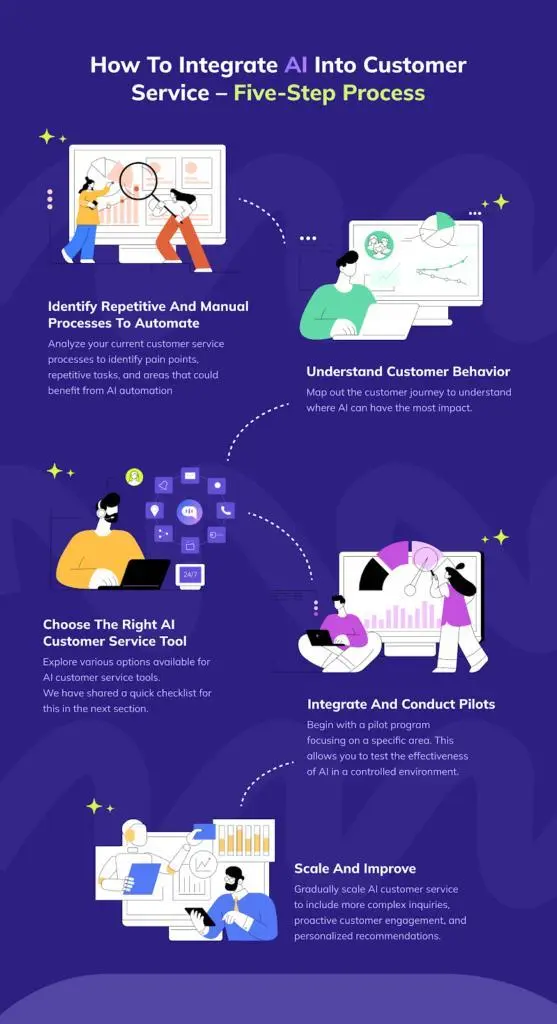
Implementing Custom Integrations with CustomGPT.ai: A Step-by-Step Guide
CustomGPT.ai transforms complex integration projects into streamlined workflows that your team can deploy rapidly and reliably. By combining AI-driven mapping, one-click deployment, and unified monitoring, you’ll spend less time on maintenance and more time on strategic innovation.
Step 1: Sign In
Log in to your CustomGPT.ai account. If you don’t have an account, you can create one for free.
Step 2: Create a New Agent
Once signed in, you will be directed to the main dashboard. Click on the Create an Agent button.
Step 3: Choose Your Integration Type
Depending on your platform, follow the specific steps below:
For WordPress
- Click WordPress under the Create Agent section.
- Enter your WordPress website URL in the provided field.
- CustomGPT.ai will automatically detect the pages on your site.
- Click Create to start building your AI Agent using the detected pages.
For Shopify
- Click Shopify under the Create Agent section.
- Enter your Shopify website URL in the provided field.
- CustomGPT.ai will automatically detect the pages on your site.
- Click Create to start building your AI Agent using the detected pages.
For SquareSpace
- Click SquareSpace under the Create Agent section.
- Enter your SquareSpace website URL in the provided field.
- CustomGPT.ai will automatically detect the pages on your site.
- Click Create to start building your AI Agent using the detected pages.
Step 4: Configure Your AI Agent’s Appearance
Customize the look and feel of your AI Agent to match your brand. Give your AI Agent a unique name to establish its identity.

Unlock the power of custom integration for your business!
Custom integration solutions for effortless and efficient connectivity.
FAQs
1. What is custom integration?
Custom integration is the process of connecting disparate systems in a way that aligns with an organization’s specific workflows and data requirements. It ensures that data exchanged between platforms is contextually relevant and actionable.
2. When should my organization consider custom integration?
You should evaluate custom integration when off-the-shelf solutions leave gaps in functionality or create data silos. It is especially valuable when you need precise data mappings or specialized business logic.
3. What are the key steps in planning a custom integration?
First, define stakeholder requirements and map data flows to understand how information moves between systems. Next, design your integration architecture and choose tools that align with your performance and compliance needs.
4. What are common pitfalls of traditional integration approaches?
Traditional point-to-point connections often become complex and brittle as systems evolve, making maintenance difficult. They can also increase costs and introduce security risks due to scattered configurations.
5. How can I ensure my integration remains future-proof?
Implement continuous monitoring, logging, and performance metrics to catch issues early and guide optimizations. Regularly review and update mappings and routing rules as business processes and data schemas change.
Conclusion
Custom integration empowers your organization to turn fragmented systems into a unified ecosystem that supports your unique workflows. By aligning data exchanges with business goals, you create a robust foundation for efficiency and growth.
Modern platforms like CustomGPT.ai streamline the integration process through AI-driven mapping, centralized monitoring, and one-click deployments. This approach reduces maintenance overhead and accelerates time to value.
As you embark on your integration journey, start with clear requirements and a strategic plan. Visit CustomGPT.ai’s Custom Instructions to fine-tune your agent’s behavior and ensure your solution adapts to evolving needs.
Unlock the power of custom integration for your business!
Custom integration strategies to simplify, enhance, and optimize connectivity.
Trusted by thousands of organizations worldwide


