

Give 1000s access to CustomGPT.ai
without extra seats
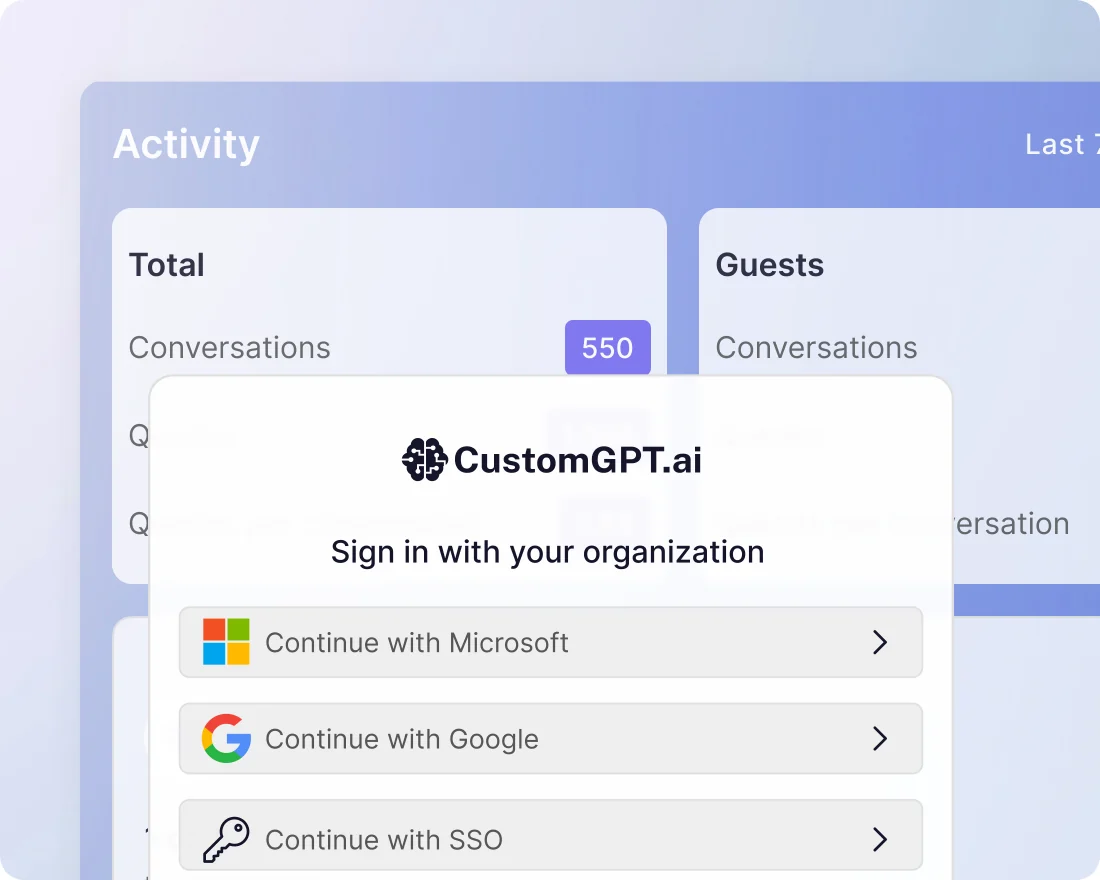
Provide secure, authenticated access using your existing login process. No new accounts to create, no passwords to manage, and no extra admin overhead.
Trusted by 10,000+ organizations worldwide










Use cases
How organizations are using this feature
-
IT & Security
Extend your existing identity system to AI agents with SAML 2.0, SCIM, and role-based access
-
Operations
Scale AI access to thousands of users without creating or managing new accounts
-
Professional Services
Give clients secure, role-based access to the AI agents built for them
-
Education
Let students access AI tools with the university login they already use
-
Manufacturing
Give partners access to the right agents so each group sees only relevant content
-
Government
Provide contractors and citizens secure access through a government-approved identity provider
Customer story
Trusted by organizations like MIT

“The CustomGPT platform has enabled us to create ChatMTC, a generative AI solution for entrepreneurs to easily access knowledge based on the deep entrepreneurship resources available at MIT.”
End User IdP Login
Secure access, without the complexity
Easy setup
How to get started
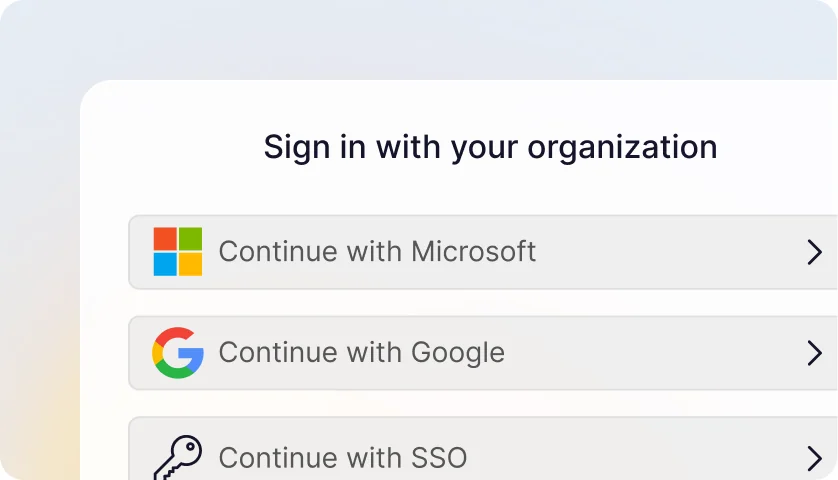
Enable SSO
Contact sales to get started.
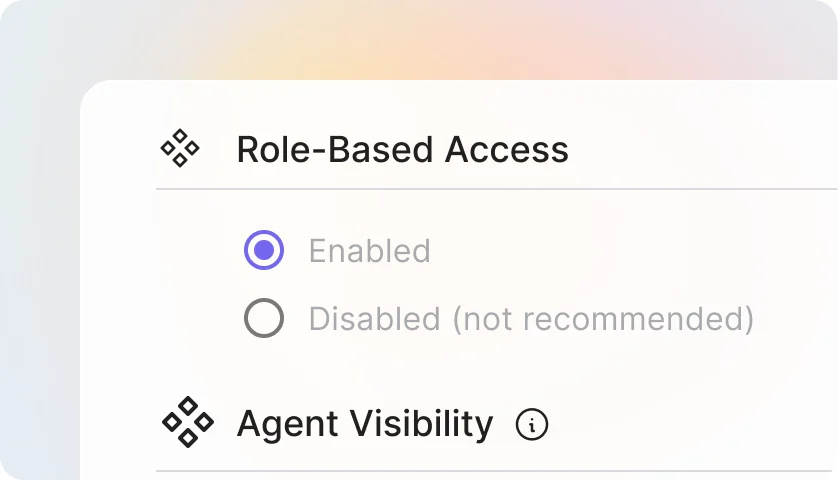
Configure
Your IT team configures access via the dashboard.
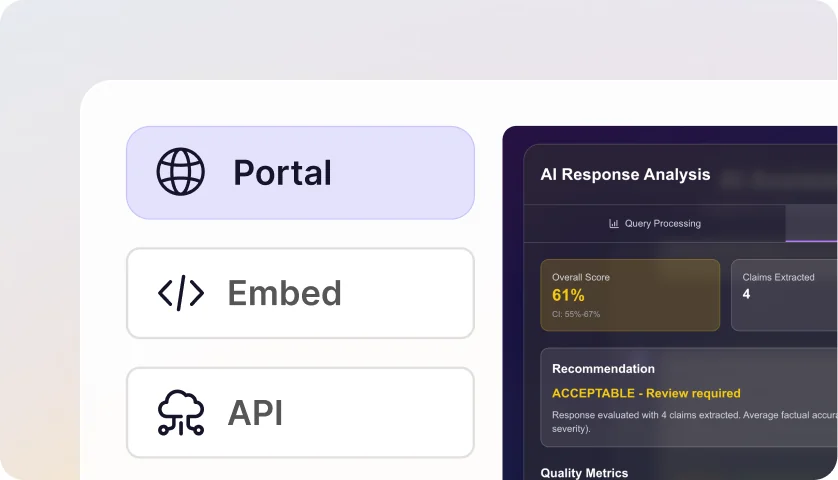
Deploy
Portal: Share one link with all users.
Embed: Add to any website with a no-code snippet.
Plans & pricing
End User IdP Login is available on Enterprise plans for organizations that need secure, role-based access at scale.
Frequently asked questions
What is IdP-based end-user access?
A feature that lets end-users (partners, vendors, students) access specific AI agents by authenticating through their corporate Identity Provider, without needing a CustomGPT.ai account.
Which plans include this feature?
IdP-based end-user access is available exclusively to Enterprise customers with SSO already configured.
Which Identity Providers are supported?
Any SAML 2.0 compliant Identity Provider works, including Microsoft Entra ID, Okta, Google Workspace, and PingOne.
Is this the same as regular SSO?
No. Regular SSO lets your internal team members log into CustomGPT.ai with corporate credentials. IdP-based end-user access lets end-users access specific agents without becoming CustomGPT.ai users at all.
Can I use this feature without SSO configured?
No. You must have SSO already set up for your CustomGPT.ai Enterprise account before enabling IdP-based end-user access.
How do I enable this feature?
Go to My Profile → SSO tab, enter the IdP attribute name you want to use for role mapping, and copy the unique portal login URL to share with end-users.
What’s an IdP attribute?
An attribute is a piece of information your IdP sends about each user — like department, group, or custom field. You configure your IdP to send an attribute which value will matche a role name in CustomGPT.ai.
Do I need to create new roles?
Yes. Create a role in Teams → Roles with a name that exactly matches the IdP attribute value. The role should be set to “local” scope and have chat-only permissions with specific agents assigned.
Can I give different groups access to different agents?
Yes. Create multiple roles with different names, each assigned to different agents. Configure your IdP to send the appropriate attribute value for each user group.
Can I customize the portal appearance?
The portal inherits your agent’s appearance settings including colors and branding, providing a consistent experience for end-users.
How do universities use this feature?
Professors create separate roles for each class (e.g., “biology-101”, “history-202”), assign class-specific agents to each role, and students access via campus SSO with their class enrollment determining which agents they see.
How do enterprises use this for partner access?
Create a role matching your partner organization’s IdP attribute, assign relevant agents (product documentation, support tools, collaboration assistants), and partners access through their existing corporate login.
Can contractors access onboarding materials through this?
Yes. Create a contractor role, assign onboarding agents, and contractors authenticate via their employer’s IdP to access training and documentation agents.
Is this suitable for customer-facing AI agents?
Yes, if your customers use a corporate IdP. B2B companies can give their enterprise customers secure access to support agents or product assistants without managing individual accounts.
What do end-users see when they click the portal URL?
They’re redirected to their corporate login page, authenticate with their usual credentials, and land directly on the agent (if one) or a portal showing available agents (if multiple).
How long does access last?
Each session lasts 24 hours from initial login. After expiration, users simply log in again through the same portal URL.
Do end-users need to create a password or profile?
No. End-users authenticate entirely through their corporate IdP. They never create a CustomGPT.ai account or password.
Can end-users see their conversation history?
No. Since no account is created, conversation history is not retained for end-user users between sessions. Each session starts fresh.
What happens if an end-user has access to multiple agents?
They see a portal page listing all agents their role permits, and can click to enter any of them.
Can end-users switch between agents during a session?
Yes. If they have access to multiple agents, they can return to the portal and select a different agent within the same 24-hour session.
Can end-users access other parts of the platform?
No. end-user sessions are restricted to chat-only access on assigned agents. Any attempt to access dashboard, settings, or other areas redirects them back to the agent portal.
What happens if someone’s IdP attribute doesn’t match any role?
They see an “unauthorized” error page and cannot access any agents.
Are end-users created as accounts in CustomGPT.ai?
No. End-users remain completely anonymous — no account is created. Their conversations appear as anonymous in your analytics.
Is user data from sessions stored?
Conversation data is stored like any other chat, but no personal user data is retained — sessions are anonymous.
How do I revoke access for an end-user?
Access is controlled through your IdP. Remove the user from the relevant group or change their attribute value in your IdP, and they’ll lose access on their next login attempt.
Is data from end-user sessions kept separate?
All conversations are stored within your CustomGPT.ai project like regular chats, following your existing data retention and security policies.
Can I see how many end-users are accessing my agents?
Yes. end-user sessions appear in your analytics. Conversations are marked as anonymous but you can track session volume and engagement.
Can I identify which end-users had which conversations?
No. By design, end-users are anonymous. You can see conversation content but not individual user identities.
Do sessions count against my query limits?
Yes. Queries from end-user sessions count toward your Enterprise plan’s query allocation like any other usage.
End-user sees “unauthorized” — what’s wrong?
Either their IdP isn’t sending the expected attribute, or the attribute value doesn’t match any role name exactly. Check your IdP configuration and verify the role name matches precisely.
End-user can’t chat even though they logged in — what’s wrong?
The matched role likely is not “Chat-Only Role” and doesn’t have “create conversation” permission enabled. Edit the role in Teams → Roles to enable chat permissions.
The portal URL isn’t working — what should I check?
Verify SSO is properly configured, the IdP attribute name is entered correctly in your SSO settings, and the feature is enabled on your Enterprise plan.
End-user authenticated but sees no agents — why?
The matched role has no agents assigned, or the assigned agents have been deleted. Check the role configuration in Teams → Roles.
Can I embed an IdP-protected agent on my website?
Yes. Set your agent to Private visibility, select “Enabled (IdP)” under Private Agent Deployment in the Security tab, then copy the embed code from Deploy. The same role-based access controls apply – users authenticate via a popup without leaving your page.
What do end-users see on an embedded agent?
A “Sign in to chat” button on the widget. Clicking it opens a popup with their organization’s login page – not a CustomGPT.ai login. After authenticating, the popup closes and the chat interface appears.
Is there a limit on how many end-users can access agents?
No. Since no CustomGPT.ai accounts are created, external users don’t count against your seat limits.