Repurpose Webinar Content With AI Without Rewatching
Most marketing teams are sitting on a content archive they barely use. Webinars, virtual events, product demos, and customer education sessions get uploaded to Vimeo, shared for a few days, and then forgotten.
Later, when someone needs a quote for a blog post, a theme for a nurture email, or a strong product explanation for sales enablement, the answer is usually hidden somewhere inside a 45-minute recording.
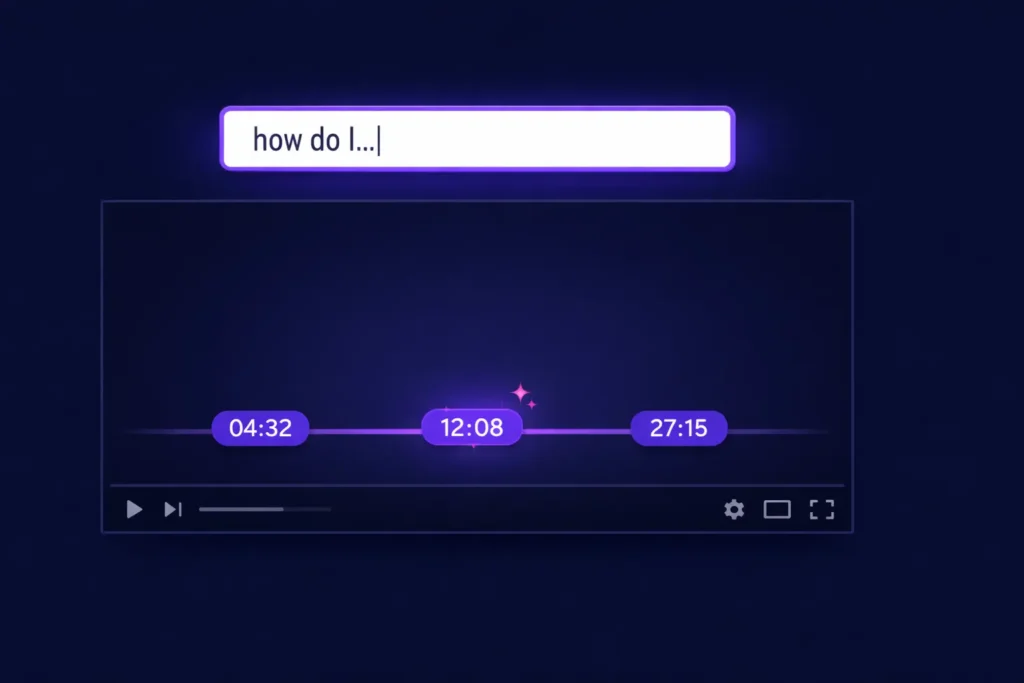
The problem is not a lack of content. It is a lack of access. No one wants to rewatch old webinars just to find one useful line. That is why the best webinar libraries are not just storage systems.
The same access problem shows up in creator libraries; this guide explains how to make a YouTube channel searchable with AI when the useful answer is buried in an older recording. For video-by-video Q&A, see how to build a YouTube video AI assistant. For a transcript-first setup view, see how to ingest YouTube video data into a CustomGPT.ai knowledge base.
They are research libraries. You can easily repurpose webinar content with AI without rewatching.
TL;DR
- Most marketing teams already have the content they need. It is locked inside webinar recordings.
- CustomGPT.ai’s Vimeo integration turns your archive into a searchable knowledge base: ask a question, get an answer with a timestamp.
- Marketing teams use it for blog research, campaign messaging, and sales enablement.
- Setup is simple: paste a Vimeo URL, no code or file uploads required.
Why webinar archives matter for marketing teams
A recorded webinar contains much more than the live event itself. It captures how your team explains the product, which objections come up in Q&A, how speakers describe customer pain points, and which messages actually land.
That makes webinar archives useful for much more than replay links. They can support blog writing, email campaigns, landing pages, sales enablement, FAQs, and social repurposing. The issue is that most teams cannot search across that material quickly enough to use it in day-to-day work.
How CustomGPT.ai helps
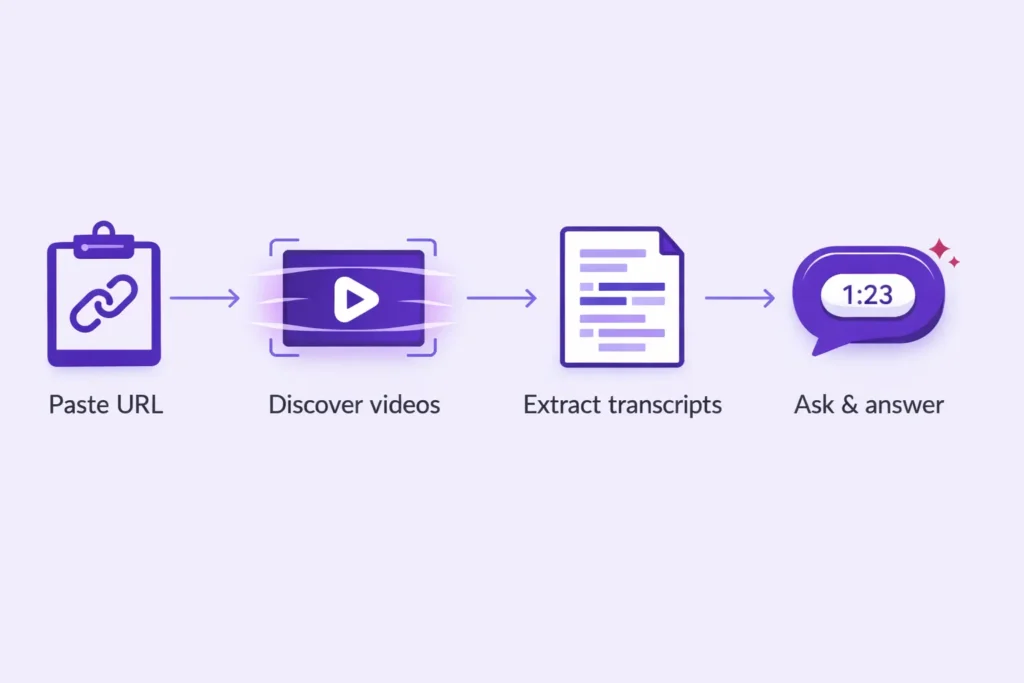
With CustomGPT.ai’s Vimeo integration, marketing teams can turn archived Vimeo webinars into a searchable knowledge base they can actually use. Instead of rewatching recordings to find one useful quote, objection, or product explanation, your team can ask a question in plain language and get a direct answer with a timestamp linked to the exact moment in the video.
Under the hood, CustomGPT.ai uses Vimeo’s native Text Tracks APIto pull transcript data directly from your captioned videos, along with metadata such as titles, descriptions, and tags.
Because it works from Vimeo’s own caption layer rather than an external transcription workflow, the output is better suited for real business content where product names, technical language, and company-specific terminology matter.
The integration also supports multiple Vimeo URL structures, automatically discovers the videos behind them, and syncs incrementally as your library changes, so your webinar archive stays current without manual upkeep.
The result is simple: your team spends less time searching, less time rewatching, and more time turning webinar content into blogs, campaigns, and enablement assets.
Three practical ways to repurpose webinar content
1. Blog and content research
A content writer is building a thought leadership post on onboarding challenges. She searches: What did our Q3 webinar speakers say about onboarding friction?The agent returns three relevant moments from different sessions, each with a timestamp and source video.
In a few minutes, she has verified quotes and examples she can use as source material for the draft.
That turns old webinars into usable input for blog posts, comparison pages, newsletters, and thought leadership instead of leaving them buried in the archive.
2. Campaign and email messaging
A campaign manager is writing a nurture sequence for mid-market SaaS buyers and wants stronger objection-handling around pricing. She searches the archive for pricing objectionsand finds several relevant moments across past sessions.
One webinar contains the clearest explanation of cost versus time-to-value, so she adapts that language into the email sequence instead of inventing new messaging from scratch.
That gives the team messaging grounded in real audience conversations, not just internal assumptions.
3. Sales enablement and internal alignment
A sales rep has a discovery call with a financial services prospect who asked about data residency. Instead of pinging the product team the night before, she searches the archive for data residencyand finds the exact section of a webinar where the topic was explained clearly.
She goes into the call with language her own team has already used publicly and confidently.
That creates better alignment across marketing, sales, and product because everyone is working from the same source material.
Why timestamps make this useful
A writer pulls a quote from a webinar for a blog draft. Before publishing, the editor clicks the timestamp citation, watches the original moment, and confirms the quote is accurate and not taken out of context. For teams working in regulated or compliance-sensitive industries, that source trail is not just helpful. It is essential.
A better way to use the content you already have
Most teams do not need more raw material. They need better access to the expertise they have already recorded.
If your webinars live in Vimeo, CustomGPT.ai gives your team a practical way to turn those recordings into an on-demand research layer for content creation, campaign planning, and sales enablement. Instead of letting valuable sessions sit untouched in an archive, you can make them searchable, reusable, and far easier to put back to work.
Getting started
Connect your Vimeo library to CustomGPT.ai in a few minutes from the Vimeo integration page. Paste your Vimeo URL, and CustomGPT.ai will pull in the available video captions and metadata to build a searchable knowledge base for your team.
If you already use the YouTube connector, the setup will feel familiar: the same paste-a-URL workflow, the same knowledge-base experience, and the same source-backed answers with citations.
One important requirement: for spoken webinar content to be searchable, the videos need captions or transcripts available in Vimeo. If a video does not have a transcript, CustomGPT.ai can still use its title, description, and tags, but it will not be able to answer questions about what was said in the recording or return timestamp citations from spoken content.
If you want step-by-step instructions, see Connect Vimeo as a knowledge source. For a deeper product walkthrough, see Vimeo Chatbot: Turn Your Videos Into An AI Assistant.
If you plan to keep adding webinar recordings over time, Enable Vimeo auto-syncexplains how to automatically add new videos, update existing content, and remove deleted ones on a schedule. Auto-sync is currently available on Premium and Enterprise plans.
Frequently Asked Questions
How do you repurpose webinar content?
A practical way to repurpose webinar content is to make your archive searchable first. With CustomGPT.ai, you connect your Vimeo library, then search across the available webinar transcripts and metadata using natural-language questions. That makes it easier to pull quotes, source ideas, recurring objections, product explanations, and supporting examples for blogs, campaigns, and enablement. When a transcript is available, answers can also include timestamp citations back to the source video.
How do you turn a webinar into a blog post with AI?
Start with the angle you want to write about, then ask focused questions about your webinar archive. For example, you might ask what speakers said about onboarding friction, implementation, or ROI. CustomGPT.ai can return answers grounded in the transcript and, when available, link back to the exact moment in the video with a timestamp citation. That gives writers source material they can verify before turning it into a blog draft.
Can AI search inside video transcripts?
Yes. CustomGPT.ai’s Vimeo integration uses Vimeo’s native caption data to build a searchable knowledge base from video transcripts and related metadata. When transcript-backed answers are available, citations can deep-link to the exact moment in the Vimeo video.
How long does it take to connect a Vimeo library?
For a single video or a smaller Vimeo source, setup can take just a few minutes. For larger libraries, CustomGPT.ai begins the ingestion process after you add the source, and large channels or collections may take longer to complete. The docs do not promise a fixed time for every library size, so it is better to keep this claim general rather than overly specific.
Is my Vimeo content secure when connected to CustomGPT.ai?
According to the current Vimeo docs, CustomGPT.ai stores transcripts and video details in your project, but does not download or store the audio or video files themselves. The Vimeo integration docs also state that the integration is SOC 2 compliant.
Ready to stop rewatching webinars? Explore the Vimeo integration and turn your webinar archive into a searchable knowledge base for your marketing team. For a broader product overview, see Vimeo Chatbot: Turn Your Videos Into An AI Assistant.




Related guide: embed a chatbot on your website.
Related guide: For teams repurposing video libraries, this related guide explains how to turn YouTube recordings into a searchable GPT.