How an Enterprise Agent Solves What Claude Code and Codex Can’t
Claude Code and Codex are personal, single-user productivity tools. Despite how easy these tools are sometimes made to sound, setting one up still takes a local environment, an API key, and repo access – which can be intimidating if you are not a developer. And once it’s running, there’s no hosted version you can hand to a non-technical teammate or a customer, no shareable surface at all, if someone else wants to use it, they go through the same setup themselves.
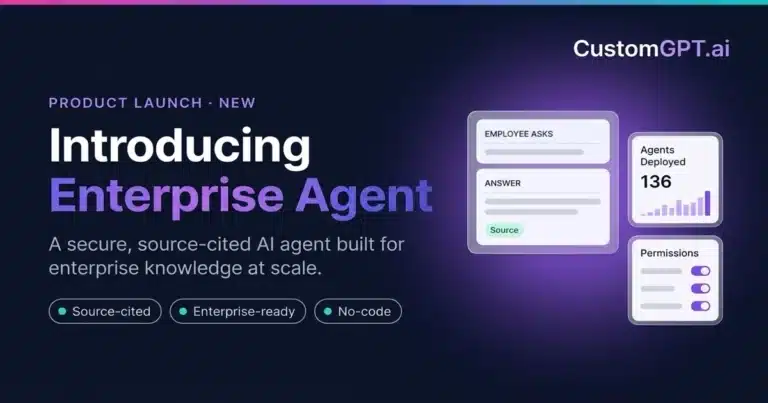
Direct answer: CustomGPT.ai’s Enterprise Agent is built differently from the ground up: it’s hosted infrastructure, not a local tool. Point it at your documents or knowledge base, and it will retrieve grounded answers.
It will turn your request into a multi-step plan, read files, run code, connect to other systems, all inside a hosted, isolated environment you can deploy as a link, an embed, or inside your own product. No terminal, no repo, no local setup required on your end or your team’s.
Retrieval: Grounded in Your Data
Before it plans anything, it starts with your data: it searches your documents, your website, or your knowledge base for the content that actually answers the question, and cites the source it pulled from, rather than generating an answer from general knowledge.
Every agent’s data is encrypted, both at rest and in transit, and kept isolated in its own hosted workspace, separate from every other agent on the platform.
Planning: Steps, Guardrails, and When It Stops to Ask
Once it’s grounded in your data, Plan & Act mode takes over. Enable it, and the agent works out what a question actually needs, then works through that in order: reading a file in full instead of a snippet when the question calls for it, running a calculation, or connecting to another system, whatever the request requires.
If something’s missing, a file, a piece of information, it stops and asks instead of guessing.
Your persona and guardrails stay in charge the whole time. Planning doesn’t override them, it just gives the agent more it can do within those rules. See how to activate an Enterprise Agent for the setup steps.
Secure Execution: Files, Code, and External Systems, Deployed Wherever You Need It
Smart Tasks is what turns a plan into a finished result: it can read a file in full, generate a downloadable output, build a live dashboard, or write and run the code a task needs, entirely in the background, without you writing or seeing it, or setting up an execution environment yourself.
When it connects to an outside system, your credentials never pass through it Enable Make External Connections, and the agent can reaches another service through a pre-configured connection you set up once.
Your real API key stays in an encrypted vault, and the platform generates a short-lived temporary key for that connection instead, swapping in the real key through a secure background process the agent has no visibility into. That temporary key expires shortly after use, so exposing it mid-conversation doesn’t expose your actual credentials.
And because the whole thing is hosted, not local, deploying it to your team or your customers is a link or an embed, not a repo clone and a local setup.
MCP Connectors: A Different Way to Connect
Custom Connectors are a separate mechanism, available on regular agents without Plan & Act mode. You point the agent at any MCP (Model Context Protocol) server URL, and it can use whatever tools that server exposes: search, ticketing, order lookups, and more. That’s a genuinely open framework, and CustomGPT.ai is explicit that this shifts the trust boundary: you’re responsible for vetting whichever MCP server you connect, the same way you’d vet any third-party API before granting it access.
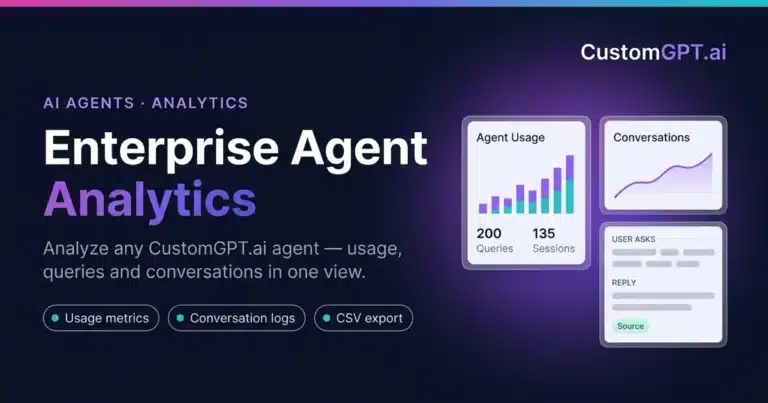
For a concrete example of this mechanism in action, see how to build a CustomGPT.ai analytics agent that connects to another agent’s usage and conversations through MCP.
Compliance: SOC 2 and GDPR
CustomGPT.ai is SOC 2 Type 2 and GDPR compliant, independently audited with zero exceptions.
On top of that, SSO, multi-factor authentication, and role-based permissions control who gets into which agent, and domain whitelisting plus IdP-protected embeds extend that control to agents living on external sites. Request the SOC 2 report directly from the Trust Center.
Frequently Asked Questions
Can I deploy this to my team the way I can’t with Claude Code or Codex?
Yes. An Enterprise Agent is hosted from the start: share a link, embed it on a website, or integrate it directly into your own product. Nobody needs a local dev environment, an API key, or repo access to use it, that setup only happens once, when you build the agent.
Is my data used to train AI models?
No. That’s a separate commitment from encryption and compliance, your content is never used to train any model.
How are my API keys protected when my agent connects to another service?
Your real key is stored in an encrypted vault and never reaches the agent directly. It uses a short-lived temporary key instead, which expires shortly after use.
What’s the security difference between MCP connectors and API connections?
API connections use the vault-and-temporary-key model above. MCP connectors are an open framework: you point the agent at any MCP server, so you’re responsible for vetting that server yourself, the same as any third-party API integration.
Can I restrict which team members can access which agents?
Yes. Role-based access control can be scoped to specific agents, and SSO and multi-factor authentication control who gets in at all.
Does the planning step ever act outside the rules I set?
No. Your persona and guardrails stay in control throughout, and the agent stops and asks instead of guessing when it doesn’t have what it needs.
Conclusion
Claude Code and Codex are real, capable tools, for the one technical user running them locally. An Enterprise Agent is built to be hosted, deployed, and shared from day one, with the same retrieval, planning, and execution mechanics, secured at every stage.